







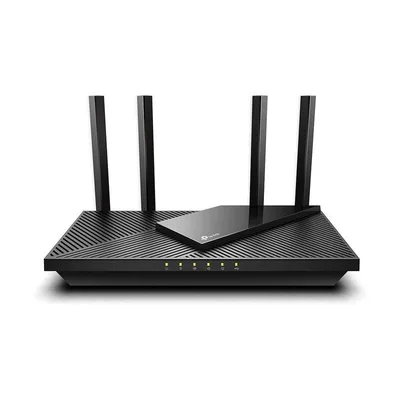
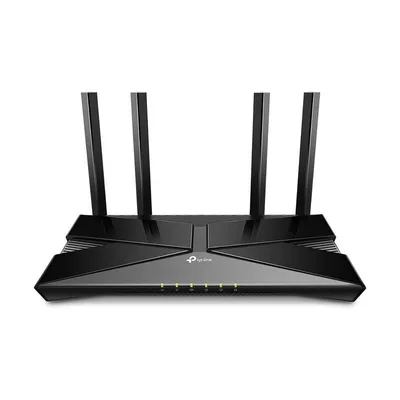
- Wi-Fi
- Wi-Fi 6 · AX1800
- Bands
- 2.4 / 5 GHz
- Fastest port
- 1 Gbps
- Coverage
- —
Router Finder
Every router, mesh system, gaming and travel router we list, in one place. Filter by the specs that matter to you, then pick up to five to compare side by side.
We earn a commission from qualifying Amazon purchases made through our links, at no extra cost to you. This never affects our specs. How we make money.
168 routers
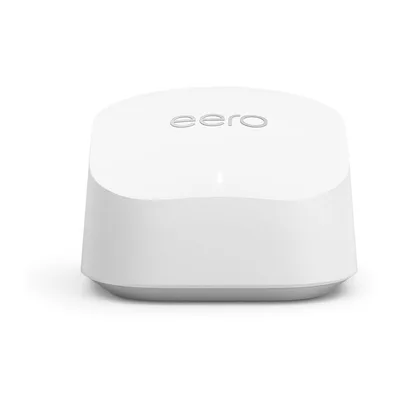
- Wi-Fi
- Wi-Fi 6 · AX3000
- Bands
- 2.4 / 5 GHz
- Fastest port
- 1 Gbps
- Coverage
- 1,500 sq ft
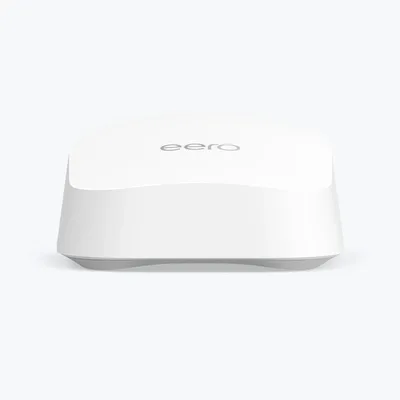
- Wi-Fi
- Wi-Fi 7 · BE5000
- Bands
- 2.4 / 5 GHz
- Fastest port
- 2.5 Gbps
- Coverage
- 2,000 sq ft
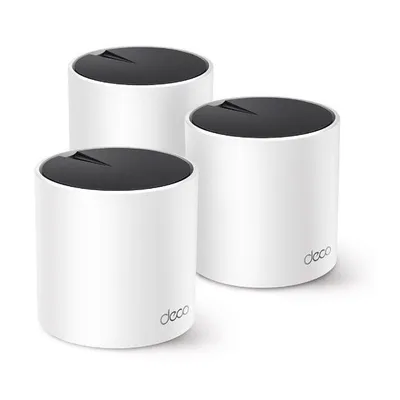
- Wi-Fi
- Wi-Fi 6 · AX3000
- Bands
- 2.4 / 5 GHz
- Fastest port
- 1 Gbps
- Coverage
- —
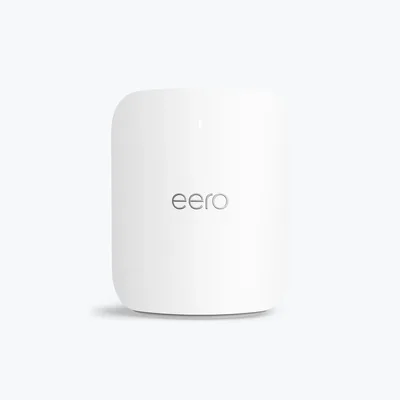
- Wi-Fi
- Wi-Fi 7 · BE10800
- Bands
- 2.4 / 5 / 6 GHz
- Fastest port
- 5 Gbps
- Coverage
- 2,000 sq ft
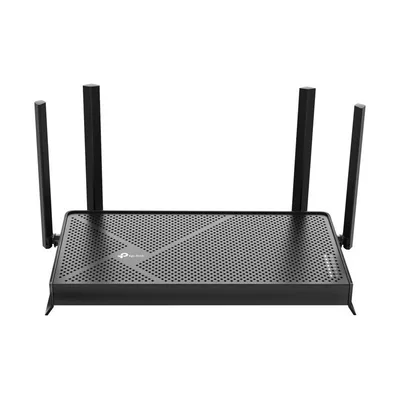
- Wi-Fi
- Wi-Fi 7 · BE3600
- Bands
- 2.4 / 5 GHz
- Fastest port
- 2.5 Gbps
- Coverage
- 2,000 sq ft
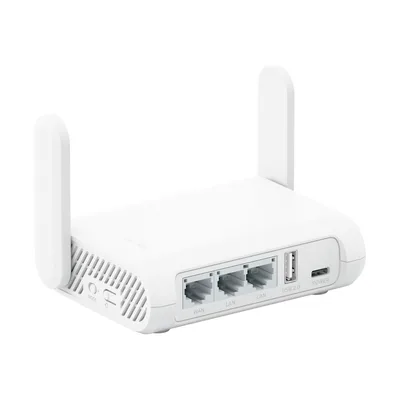
- Wi-Fi
- Wi-Fi 5 · AC1200
- Bands
- 2.4 / 5 GHz
- Fastest port
- 1 Gbps
- Coverage
- —
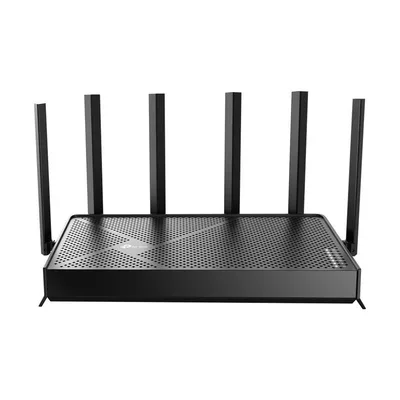
- Wi-Fi
- Wi-Fi 7 · BE6500
- Bands
- 2.4 / 5 GHz
- Fastest port
- 2.5 Gbps
- Coverage
- —
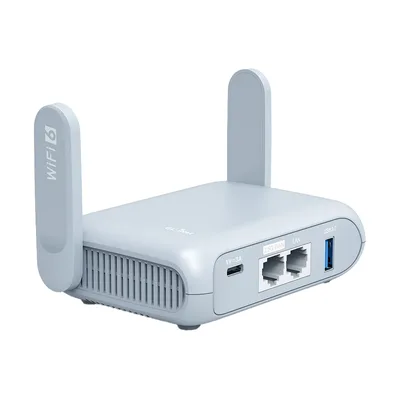
- Wi-Fi
- Wi-Fi 6 · AX3000
- Bands
- 2.4 / 5 GHz
- Fastest port
- 2.5 Gbps
- Coverage
- —
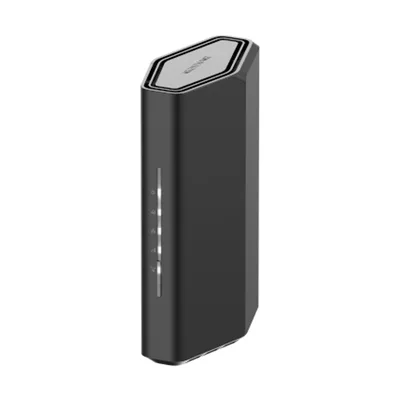
- Wi-Fi
- Wi-Fi 7 · BE3600
- Bands
- 2.4 / 5 GHz
- Fastest port
- 2.5 Gbps
- Coverage
- 2,000 sq ft
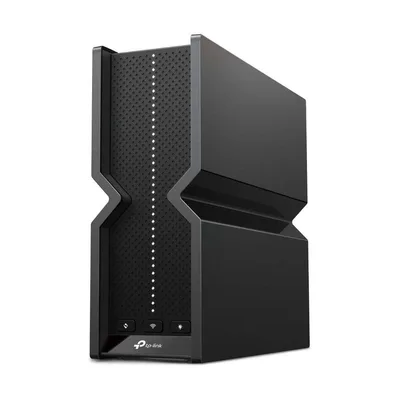
- Wi-Fi
- Wi-Fi 7 · BE9300
- Bands
- 2.4 / 5 / 6 GHz
- Fastest port
- 2.5 Gbps
- Coverage
- 2,000 sq ft
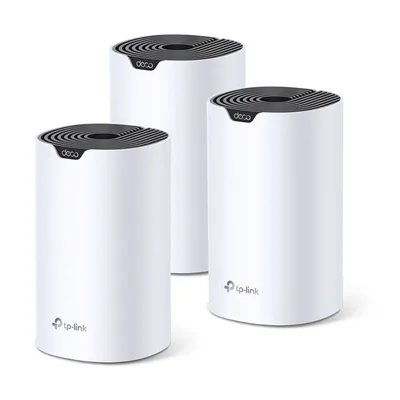
- Wi-Fi
- Wi-Fi 5 · AC1900
- Bands
- 2.4 / 5 GHz
- Fastest port
- 1 Gbps
- Coverage
- 2,100 sq ft
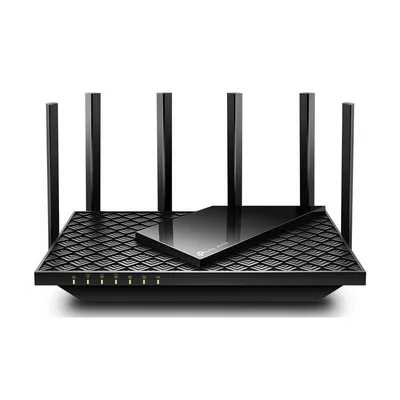
- Wi-Fi
- Wi-Fi 6E · AXE5400
- Bands
- 2.4 / 5 / 6 GHz
- Fastest port
- 2.5 Gbps
- Coverage
- —
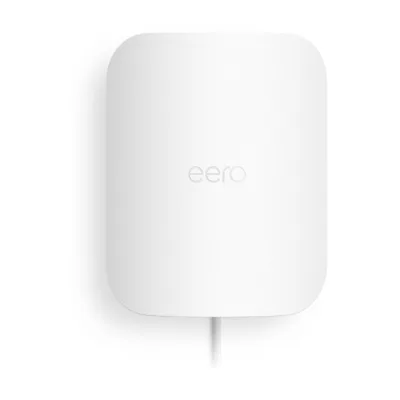
- Wi-Fi
- Wi-Fi 7 · BE5000
- Bands
- 2.4 / 5 GHz
- Fastest port
- 2.5 Gbps
- Coverage
- 15,000 sq ft
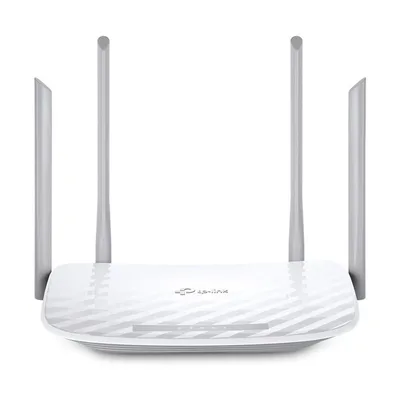
- Wi-Fi
- Wi-Fi 5 · AC1200
- Bands
- 2.4 / 5 GHz
- Fastest port
- 100 Mbps
- Coverage
- 1,000 sq ft
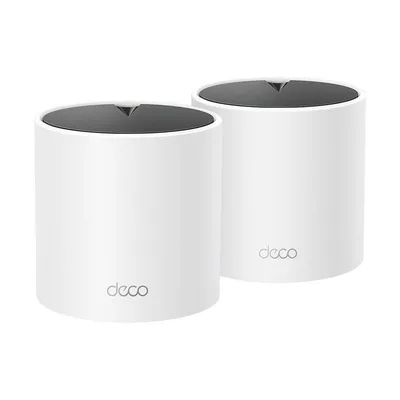
- Wi-Fi
- Wi-Fi 6 · AX1500
- Bands
- 2.4 / 5 GHz
- Fastest port
- 1 Gbps
- Coverage
- 1,867 sq ft
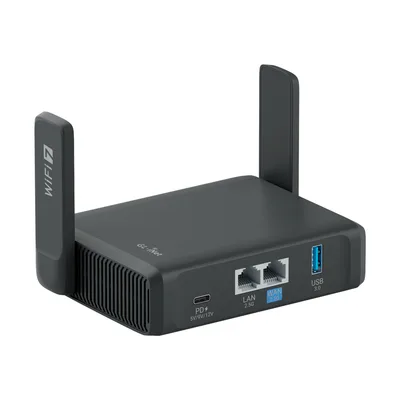
- Wi-Fi
- Wi-Fi 7 · BE3600
- Bands
- 2.4 / 5 GHz
- Fastest port
- 2.5 Gbps
- Coverage
- —
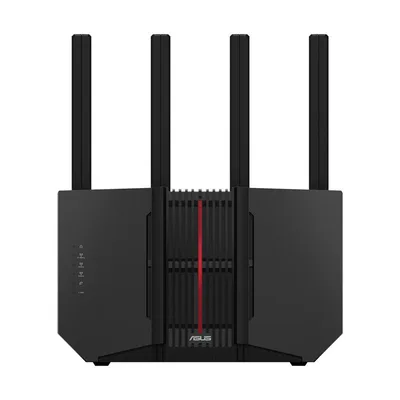
- Wi-Fi
- Wi-Fi 7 · BE9700
- Bands
- 2.4 / 5 / 6 GHz
- Fastest port
- 10 Gbps
- Coverage
- 2,750 sq ft
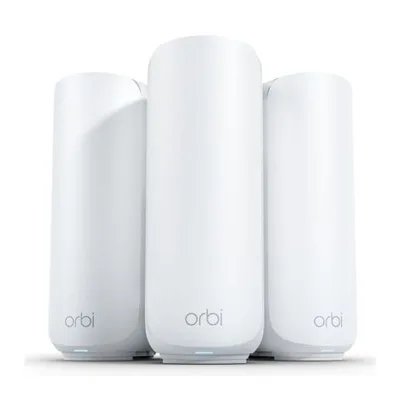
- Wi-Fi
- Wi-Fi 7 · BE5000
- Bands
- 2.4 / 5 GHz
- Fastest port
- 2.5 Gbps
- Coverage
- 2,000 sq ft
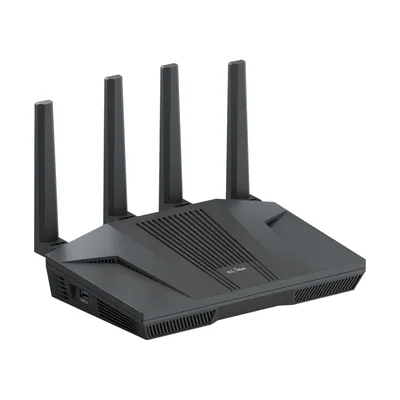
- Wi-Fi
- Wi-Fi 6 · AX6000
- Bands
- 2.4 / 5 GHz
- Fastest port
- 2.5 Gbps
- Coverage
- —
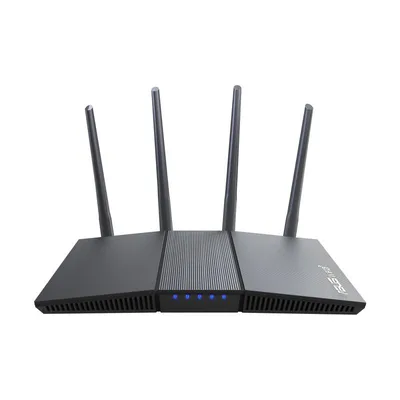
- Wi-Fi
- Wi-Fi 6 · AX1800
- Bands
- 2.4 / 5 GHz
- Fastest port
- 1 Gbps
- Coverage
- —
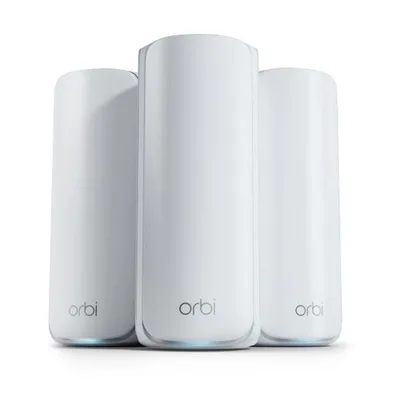
- Wi-Fi
- Wi-Fi 7 · BE11000
- Bands
- 2.4 / 5 / 6 GHz
- Fastest port
- 2.5 Gbps
- Coverage
- 2,750 sq ft
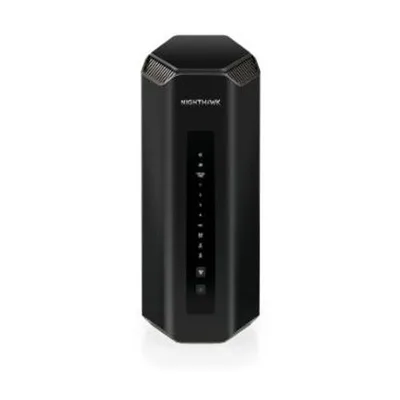
- Wi-Fi
- Wi-Fi 7 · BE19000
- Bands
- 2.4 / 5 / 6 GHz
- Fastest port
- 10 Gbps
- Coverage
- 3,500 sq ft
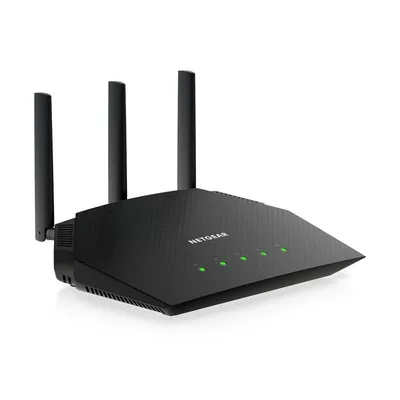
- Wi-Fi
- Wi-Fi 6 · AX1800
- Bands
- 2.4 / 5 GHz
- Fastest port
- 1 Gbps
- Coverage
- 1,500 sq ft
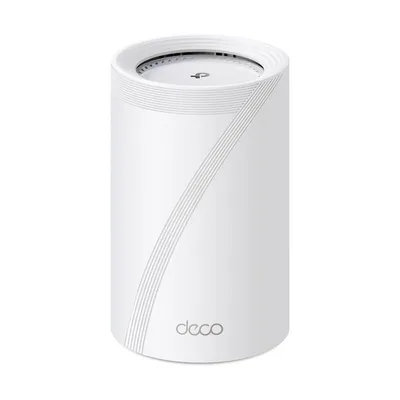
- Wi-Fi
- Wi-Fi 7 · BE14000
- Bands
- 2.4 / 5 / 6 GHz
- Fastest port
- 10 Gbps
- Coverage
- 3,100 sq ft
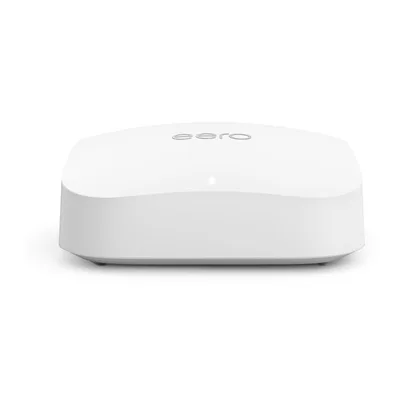
- Wi-Fi
- Wi-Fi 6E · AX5400
- Bands
- 2.4 / 5 / 6 GHz
- Fastest port
- 2.5 Gbps
- Coverage
- 2,000 sq ft
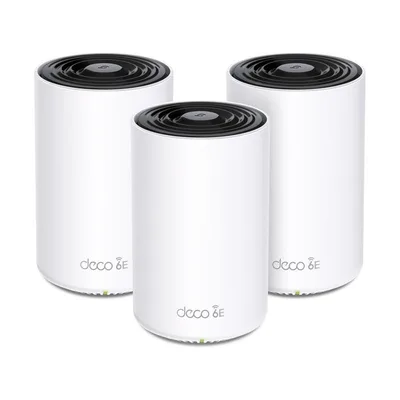
- Wi-Fi
- Wi-Fi 6E · AXE5400
- Bands
- 2.4 / 5 / 6 GHz
- Fastest port
- 2.5 Gbps
- Coverage
- 2,900 sq ft
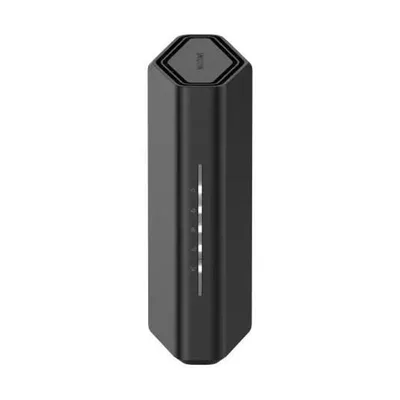
- Wi-Fi
- Wi-Fi 7 · BE9300
- Bands
- 2.4 / 5 / 6 GHz
- Fastest port
- 2.5 Gbps
- Coverage
- 2,500 sq ft
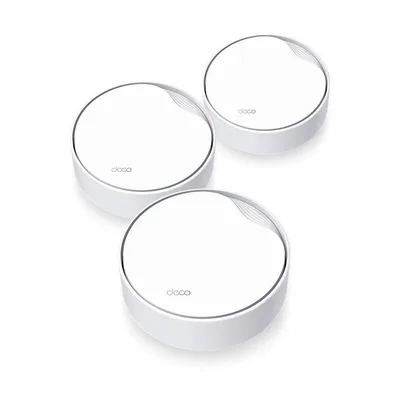
- Wi-Fi
- Wi-Fi 6 · AX3000
- Bands
- 2.4 / 5 GHz
- Fastest port
- 2.5 Gbps
- Coverage
- 2,500 sq ft
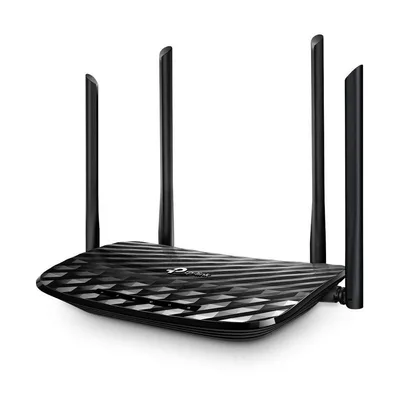
- Wi-Fi
- Wi-Fi 5 · AC1200
- Bands
- 2.4 / 5 GHz
- Fastest port
- 1 Gbps
- Coverage
- —
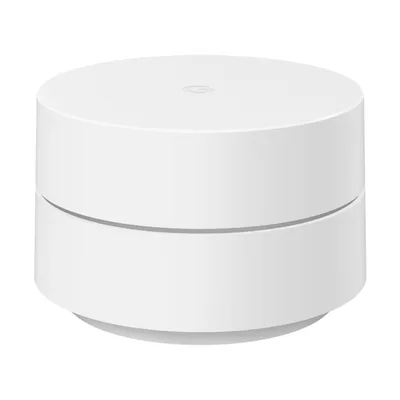
- Wi-Fi
- Wi-Fi 5 · AC1200
- Bands
- 2.4 / 5 GHz
- Fastest port
- 1 Gbps
- Coverage
- 1,500 sq ft
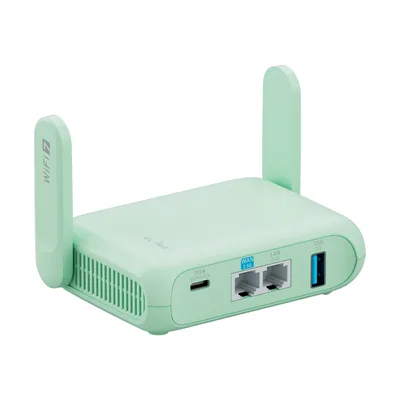
- Wi-Fi
- Wi-Fi 7 · BE3600
- Bands
- 2.4 / 5 GHz
- Fastest port
- 2.5 Gbps
- Coverage
- —
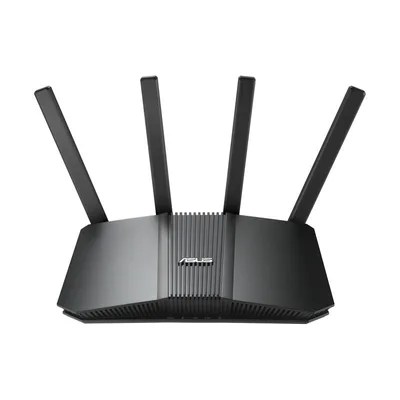
- Wi-Fi
- Wi-Fi 7 · BE6500
- Bands
- 2.4 / 5 GHz
- Fastest port
- 2.5 Gbps
- Coverage
- 2,500 sq ft
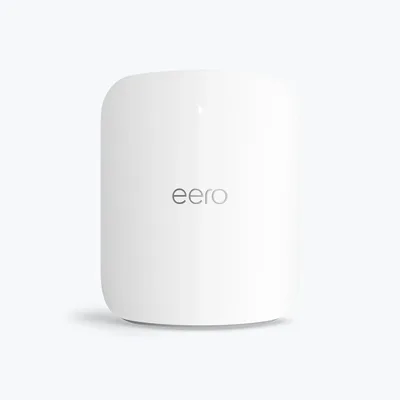
- Wi-Fi
- Wi-Fi 7 · BE20800
- Bands
- 2.4 / 5 / 6 GHz
- Fastest port
- 10 Gbps
- Coverage
- 2,500 sq ft
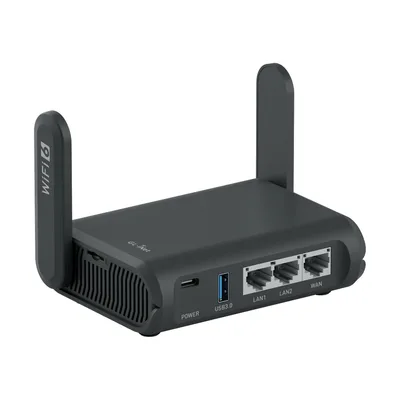
- Wi-Fi
- Wi-Fi 6 · AXT1800
- Bands
- 2.4 / 5 GHz
- Fastest port
- 1 Gbps
- Coverage
- —
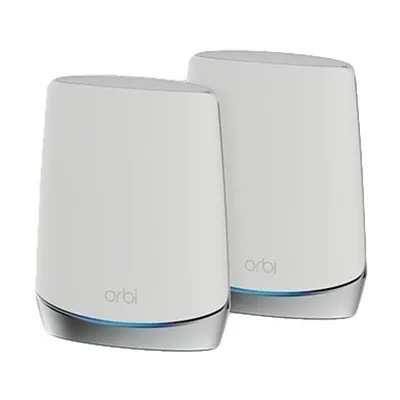
- Wi-Fi
- Wi-Fi 6 · AX5200
- Bands
- 2.4 / 5 / 5 (dedicated backhaul) GHz
- Fastest port
- 1 Gbps
- Coverage
- 2,500 sq ft
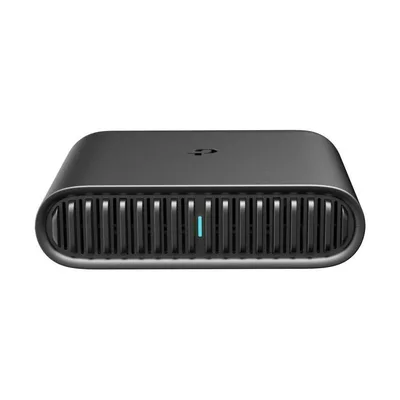
- Wi-Fi
- Wi-Fi 6 · AX1500
- Bands
- 2.4 / 5 GHz
- Fastest port
- 1 Gbps
- Coverage
- —
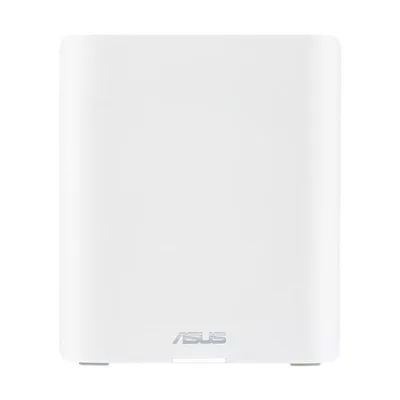
- Wi-Fi
- Wi-Fi 7 · BE18000
- Bands
- 2.4 / 5 / 6 GHz
- Fastest port
- 10 Gbps
- Coverage
- 3,000 sq ft
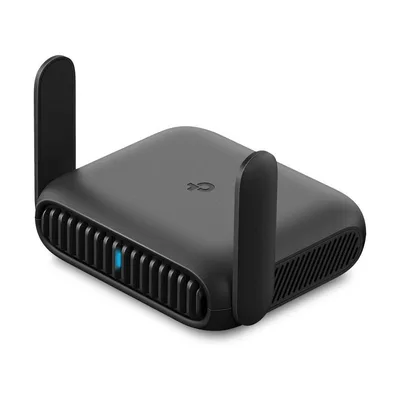
- Wi-Fi
- Wi-Fi 6 · AX1500
- Bands
- 2.4 / 5 GHz
- Fastest port
- 1 Gbps
- Coverage
- 1,500 sq ft
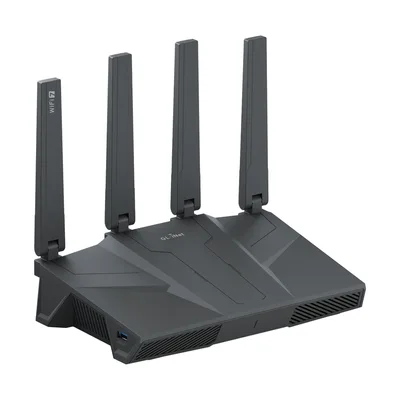
- Wi-Fi
- Wi-Fi 7 · BE9300
- Bands
- 2.4 / 5 / 6 GHz
- Fastest port
- 2.5 Gbps
- Coverage
- 2,000 sq ft
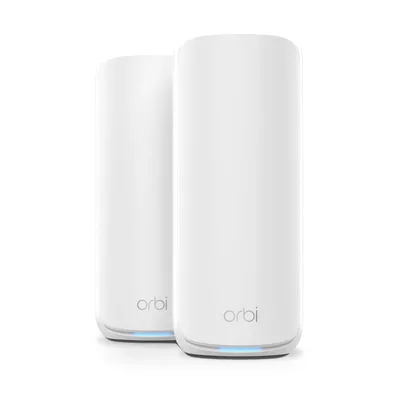
- Wi-Fi
- Wi-Fi 7 · BE21000
- Bands
- 2.4 / 5 / 6 GHz
- Fastest port
- 10 Gbps
- Coverage
- 3,000 sq ft
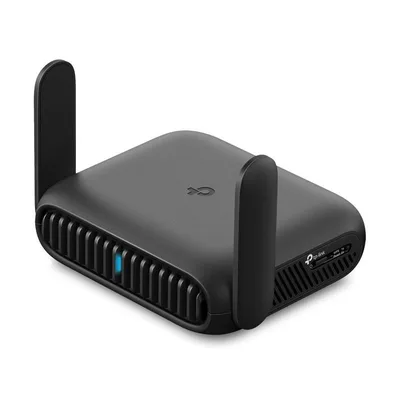
- Wi-Fi
- Wi-Fi 7 · BE3600
- Bands
- 2.4 / 5 GHz
- Fastest port
- 2.5 Gbps
- Coverage
- 1,800 sq ft
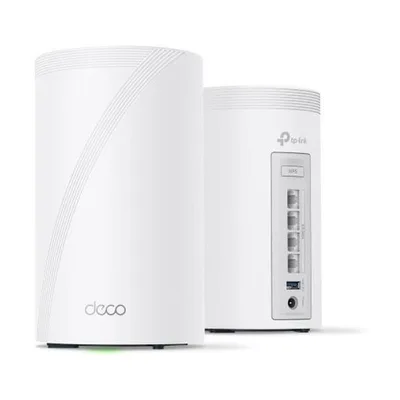
- Wi-Fi
- Wi-Fi 7 · BE10000
- Bands
- 2.4 / 5 / 6 GHz
- Fastest port
- 2.5 Gbps
- Coverage
- 3,000 sq ft
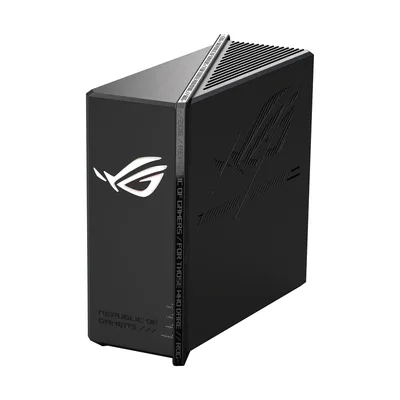
- Wi-Fi
- Wi-Fi 7 · BE12000
- Bands
- 2.4 / 5 / 6 GHz
- Fastest port
- 2.5 Gbps
- Coverage
- 3,000 sq ft
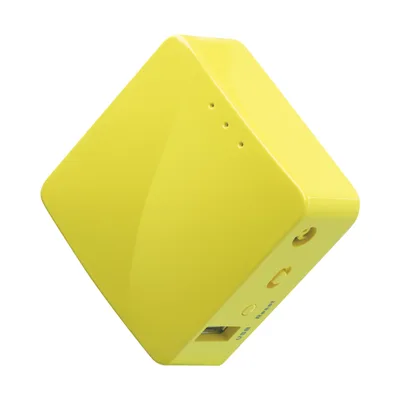
- Wi-Fi
- Wi-Fi 4 · N300
- Bands
- 2.4 GHz
- Fastest port
- 100 Mbps
- Coverage
- —
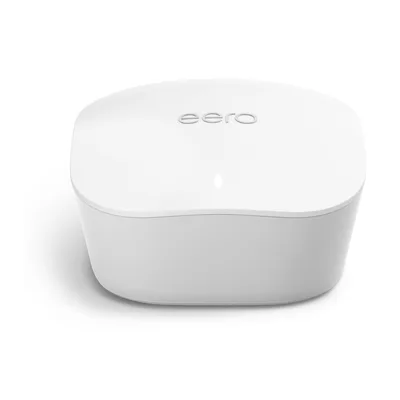
- Wi-Fi
- Wi-Fi 5
- Bands
- 2.4 / 5 GHz
- Fastest port
- 1 Gbps
- Coverage
- 1,500 sq ft
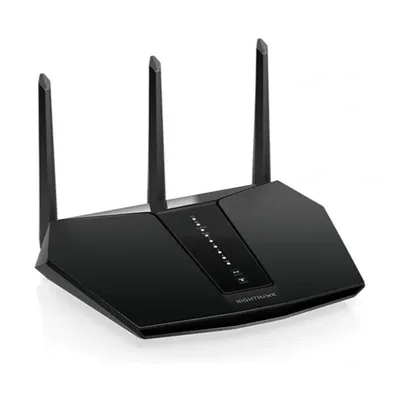
- Wi-Fi
- Wi-Fi 6 · AX3000
- Bands
- 2.4 / 5 GHz
- Fastest port
- 1 Gbps
- Coverage
- 2,000 sq ft
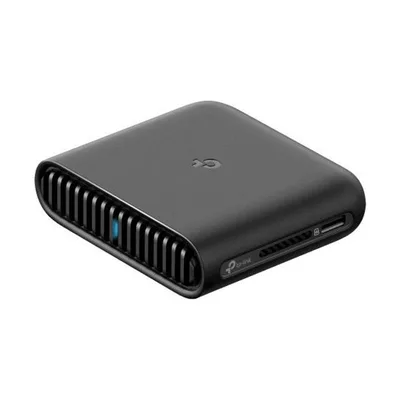
- Wi-Fi
- Wi-Fi 6 · AX3000
- Bands
- 2.4 / 5 GHz
- Fastest port
- 2.5 Gbps
- Coverage
- —
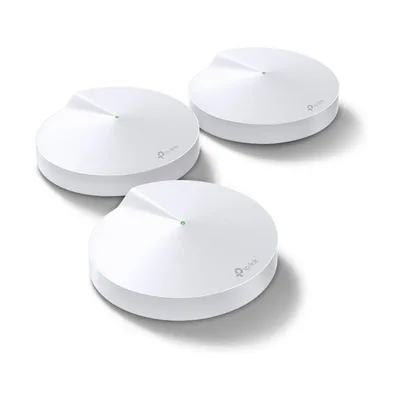
- Wi-Fi
- Wi-Fi 5 · AC1300
- Bands
- 2.4 / 5 GHz
- Fastest port
- 1 Gbps
- Coverage
- 2,000 sq ft
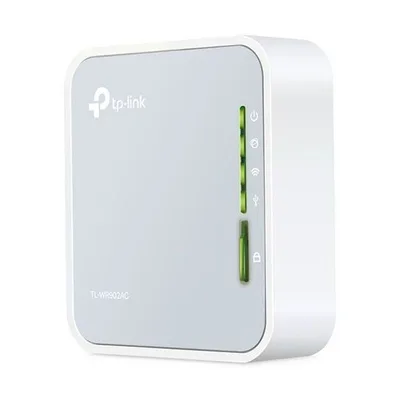
- Wi-Fi
- Wi-Fi 5 · AC750
- Bands
- 2.4 / 5 GHz
- Fastest port
- 100 Mbps
- Coverage
- —
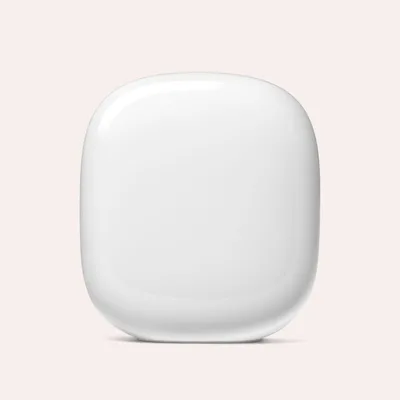
- Wi-Fi
- Wi-Fi 6E · AXE5400
- Bands
- 2.4 / 5 / 6 GHz
- Fastest port
- 1 Gbps
- Coverage
- 2,200 sq ft
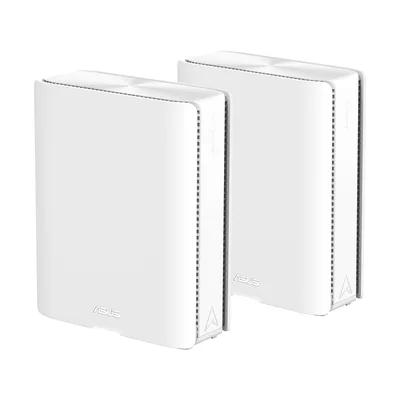
- Wi-Fi
- Wi-Fi 7 · BE30000
- Bands
- 2.4 / 5 / 6 / 6 GHz
- Fastest port
- 10 Gbps
- Coverage
- 4,000 sq ft
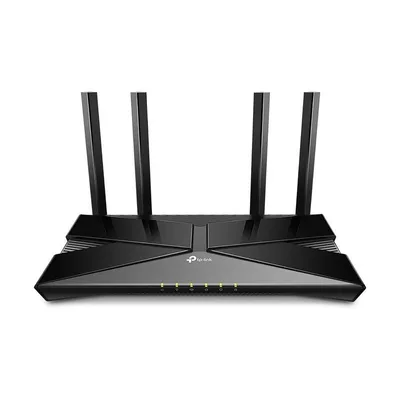
- Wi-Fi
- Wi-Fi 6 · AX1500
- Bands
- 2.4 / 5 GHz
- Fastest port
- 1 Gbps
- Coverage
- —
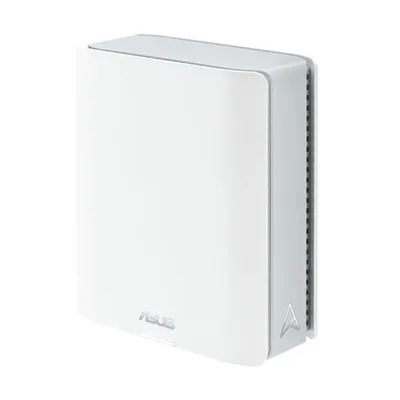
- Wi-Fi
- Wi-Fi 7 · BE14000
- Bands
- 2.4 / 5 / 6 GHz
- Fastest port
- 2.5 Gbps
- Coverage
- 3,000 sq ft
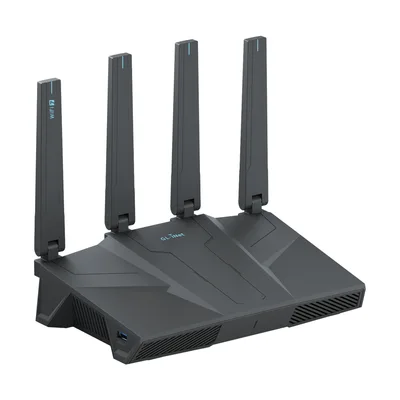
- Wi-Fi
- Wi-Fi 7 · BE6500
- Bands
- 2.4 / 5 GHz
- Fastest port
- 2.5 Gbps
- Coverage
- 2,500 sq ft
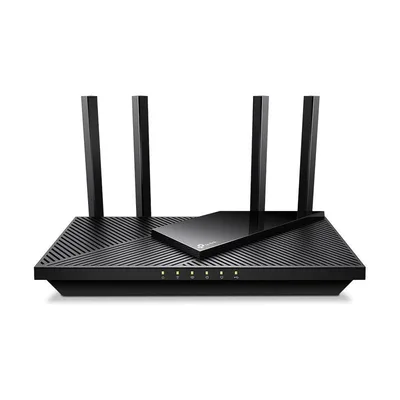
- Wi-Fi
- Wi-Fi 6 · AX3000
- Bands
- 2.4 / 5 GHz
- Fastest port
- 2.5 Gbps
- Coverage
- —
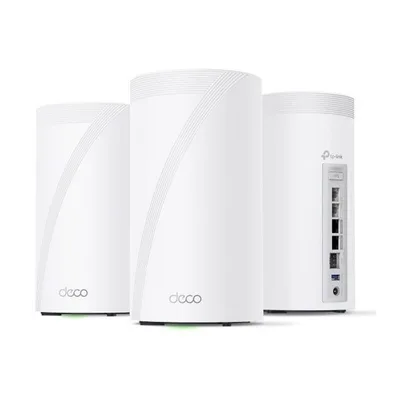
- Wi-Fi
- Wi-Fi 7 · BE33000
- Bands
- 2.4 / 5 / 6 / 6 GHz
- Fastest port
- 10 Gbps
- Coverage
- 3,200 sq ft
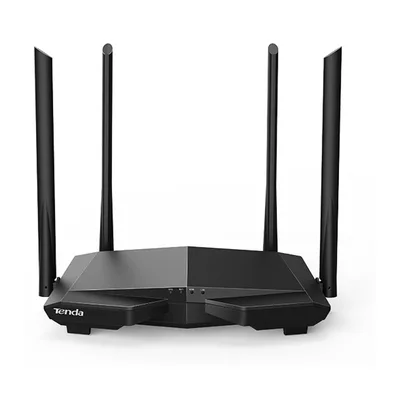
- Wi-Fi
- Wi-Fi 5 · AC1200
- Bands
- 2.4 / 5 GHz
- Fastest port
- 100 Mbps
- Coverage
- —
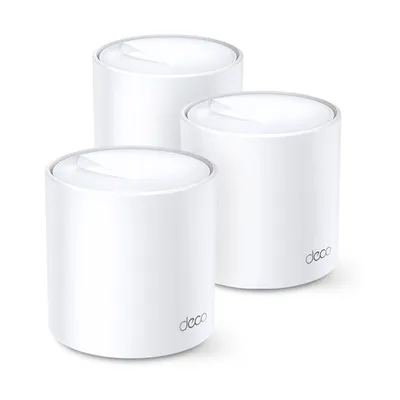
- Wi-Fi
- Wi-Fi 6 · AX3000
- Bands
- 2.4 / 5 GHz
- Fastest port
- 1 Gbps
- Coverage
- —
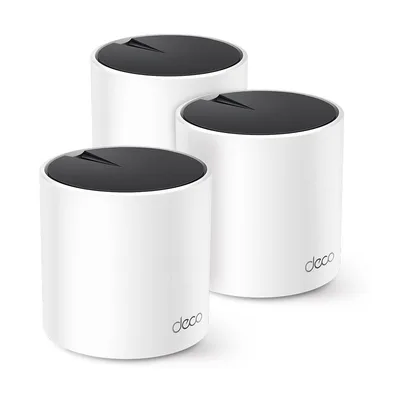
- Wi-Fi
- Wi-Fi 6 · AX1800
- Bands
- 2.4 / 5 GHz
- Fastest port
- 1 Gbps
- Coverage
- 1,933 sq ft
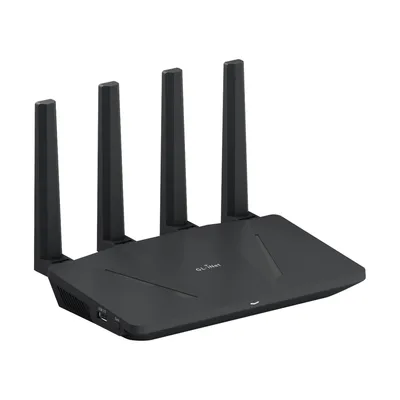
- Wi-Fi
- Wi-Fi 6 · AX1800
- Bands
- 2.4 / 5 GHz
- Fastest port
- 1 Gbps
- Coverage
- —
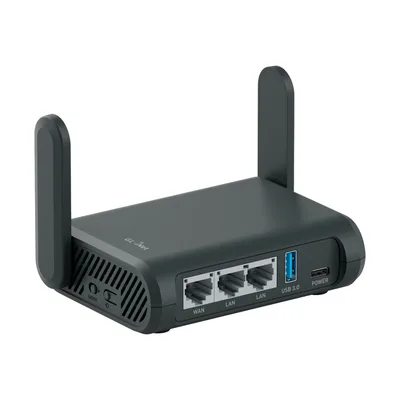
- Wi-Fi
- Wi-Fi 5 · AC1300
- Bands
- 2.4 / 5 GHz
- Fastest port
- 1 Gbps
- Coverage
- —
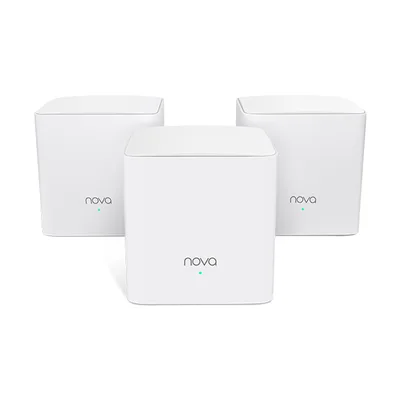
- Wi-Fi
- Wi-Fi 5 · AC1200
- Bands
- 2.4 / 5 GHz
- Fastest port
- 1 Gbps
- Coverage
- 1,000 sq ft
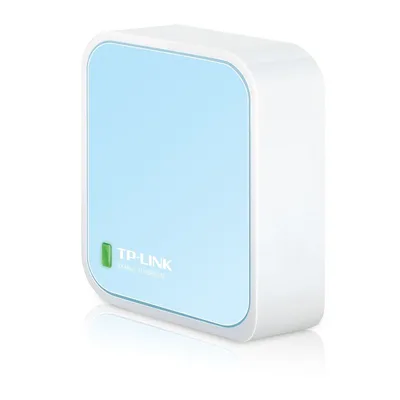
- Wi-Fi
- Wi-Fi 4 · N300
- Bands
- 2.4 GHz
- Fastest port
- 100 Mbps
- Coverage
- —
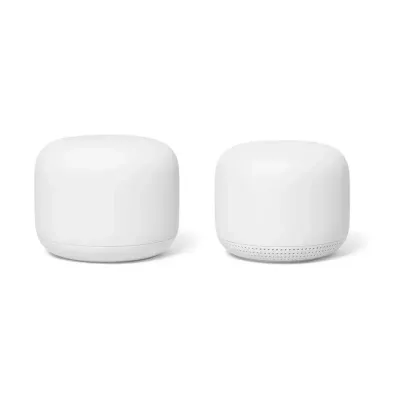
- Wi-Fi
- Wi-Fi 5 · AC2200
- Bands
- 2.4 / 5 GHz
- Fastest port
- 1 Gbps
- Coverage
- 2,200 sq ft
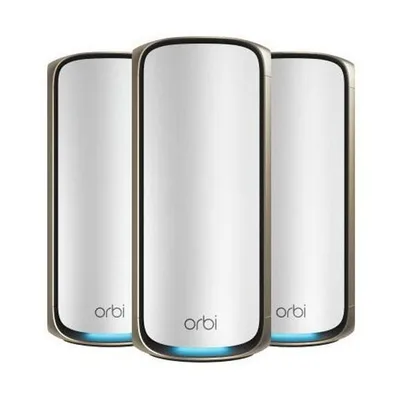
- Wi-Fi
- Wi-Fi 7 · BE27000
- Bands
- 2.4 / 5 / 5 / 6 GHz
- Fastest port
- 10 Gbps
- Coverage
- 3,300 sq ft
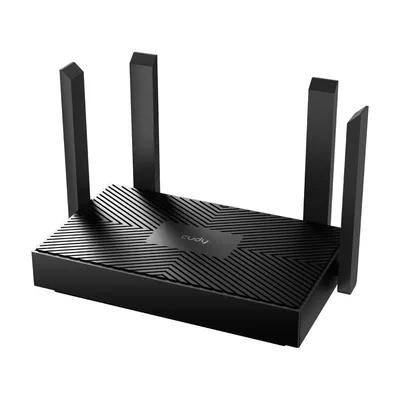
- Wi-Fi
- Wi-Fi 6 · AX1500
- Bands
- 2.4 / 5 GHz
- Fastest port
- 1 Gbps
- Coverage
- 1,100 sq ft
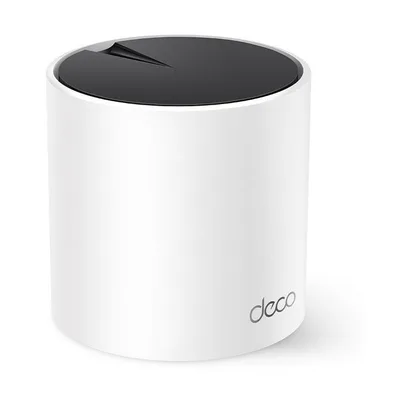
- Wi-Fi
- Wi-Fi 6 · AX3000
- Bands
- 2.4 / 5 GHz
- Fastest port
- 2.5 Gbps
- Coverage
- 2,500 sq ft
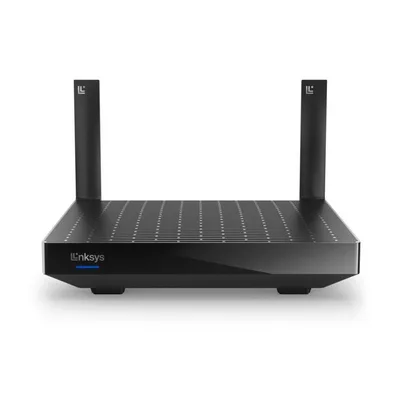
- Wi-Fi
- Wi-Fi 6 · AX3000
- Bands
- 2.4 / 5 GHz
- Fastest port
- 1 Gbps
- Coverage
- 2,000 sq ft
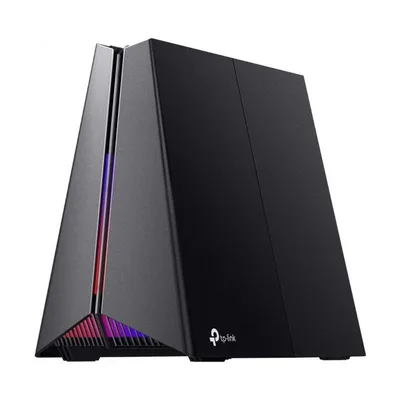
- Wi-Fi
- Wi-Fi 7 · BE11000
- Bands
- 2.4 / 5 / 6 GHz
- Fastest port
- 5 Gbps
- Coverage
- 2,000 sq ft
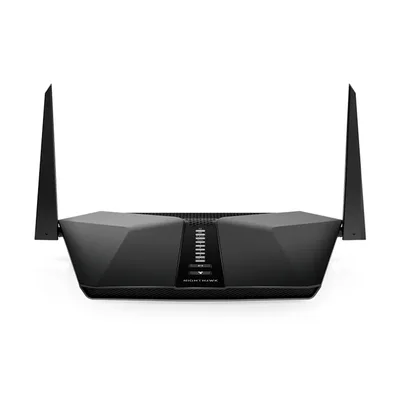
- Wi-Fi
- Wi-Fi 6 · AX4200
- Bands
- 2.4 / 5 GHz
- Fastest port
- 1 Gbps
- Coverage
- 2,000 sq ft
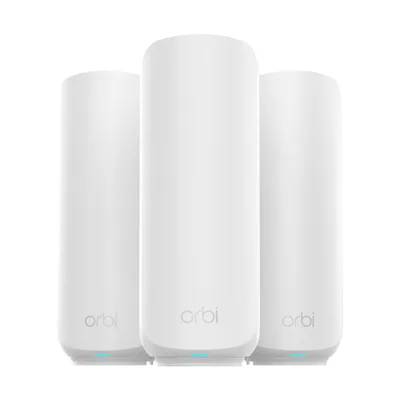
- Wi-Fi
- Wi-Fi 7 · BE5000
- Bands
- 2.4 / 5 GHz
- Fastest port
- 2.5 Gbps
- Coverage
- 2,000 sq ft
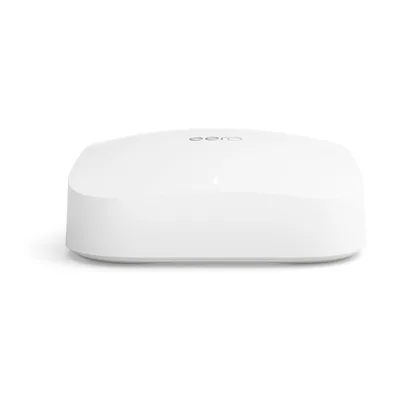
- Wi-Fi
- Wi-Fi 6 · AX1500
- Bands
- 2.4 / 5 GHz
- Fastest port
- 1 Gbps
- Coverage
- —
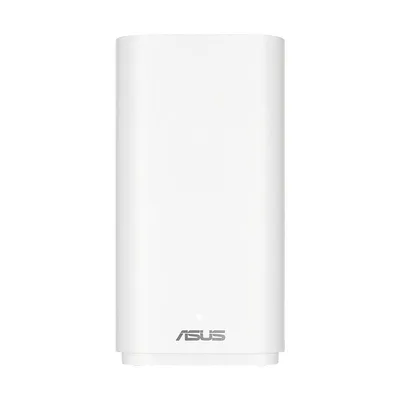
- Wi-Fi
- Wi-Fi 6 · AX4200
- Bands
- 2.4 / 5 / 5 GHz
- Fastest port
- 1 Gbps
- Coverage
- 2,000 sq ft
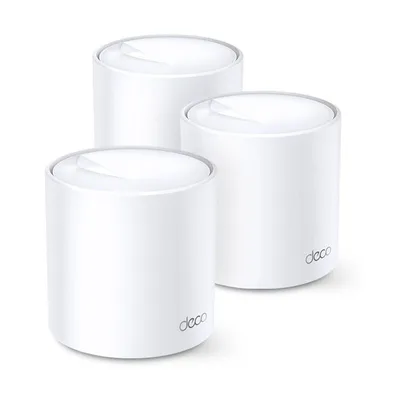
- Wi-Fi
- Wi-Fi 7 · BE5000
- Bands
- 2.4 / 5 GHz
- Fastest port
- 2.5 Gbps
- Coverage
- 2,500 sq ft
- Wi-Fi
- Wi-Fi 6 · AX4300
- Bands
- 2.4 / 5 GHz
- Fastest port
- 2.5 Gbps
- Coverage
- 2,333 sq ft
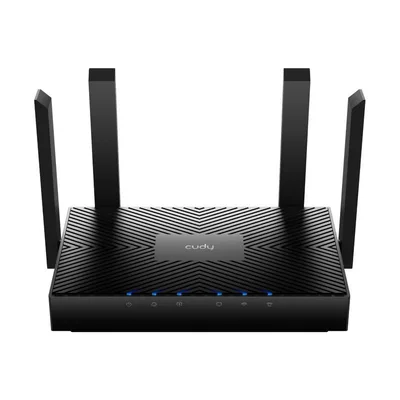
- Wi-Fi
- Wi-Fi 6 · AX3000
- Bands
- 2.4 / 5 GHz
- Fastest port
- 1 Gbps
- Coverage
- 1,400 sq ft
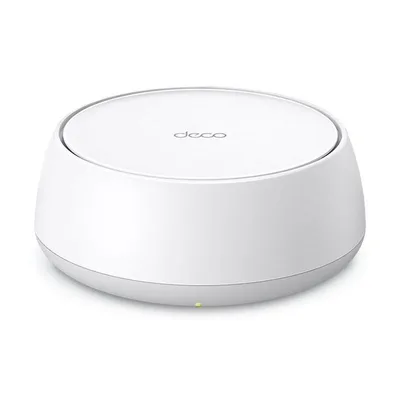
- Wi-Fi
- Wi-Fi 7 · BE3600
- Bands
- 2.4 / 5 GHz
- Fastest port
- 2.5 Gbps
- Coverage
- 2,500 sq ft
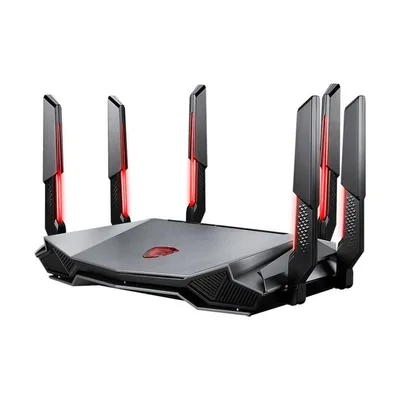
- Wi-Fi
- Wi-Fi 6E · AXE6600
- Bands
- 2.4 / 5 / 6 GHz
- Fastest port
- 2.5 Gbps
- Coverage
- —
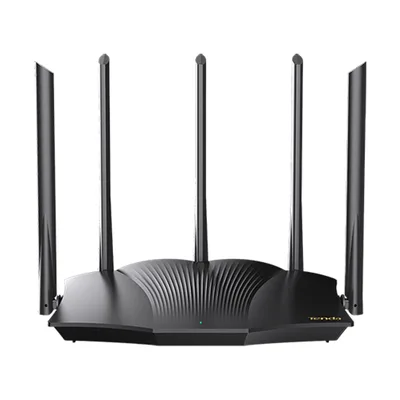
- Wi-Fi
- Wi-Fi 6 · AX3000
- Bands
- 2.4 / 5 GHz
- Fastest port
- 1 Gbps
- Coverage
- —
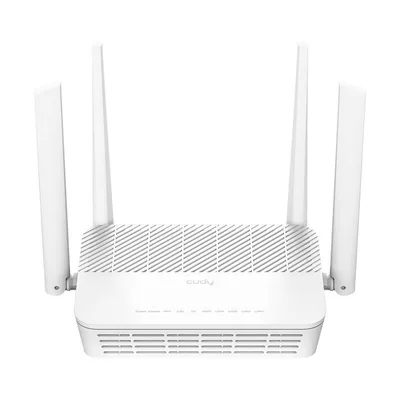
- Wi-Fi
- Wi-Fi 6 · AX3000
- Bands
- 2.4 / 5 GHz
- Fastest port
- 1 Gbps
- Coverage
- —
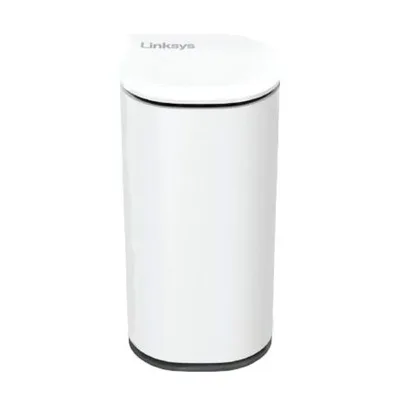
- Wi-Fi
- Wi-Fi 7 · BE5000
- Bands
- 2.4 / 5 GHz
- Fastest port
- 2.5 Gbps
- Coverage
- 2,200 sq ft
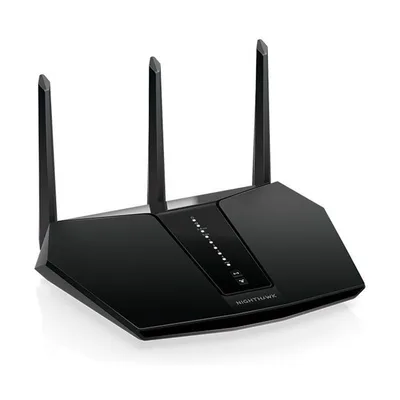
- Wi-Fi
- Wi-Fi 6 · AX2400
- Bands
- 2.4 / 5 GHz
- Fastest port
- 1 Gbps
- Coverage
- 2,000 sq ft
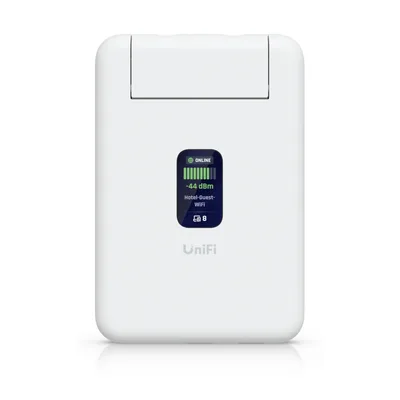
- Wi-Fi
- Wi-Fi 5 · AC1200
- Bands
- 2.4 / 5 GHz
- Fastest port
- 1 Gbps
- Coverage
- —
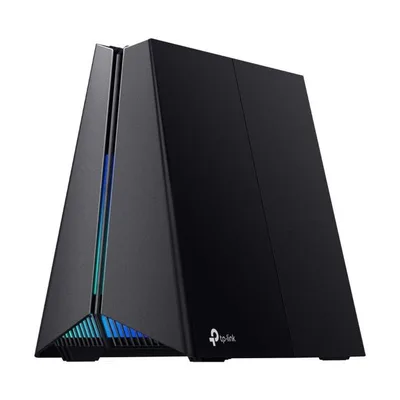
- Wi-Fi
- Wi-Fi 6E · AXE5400
- Bands
- 2.4 / 5 / 6 GHz
- Fastest port
- 2.5 Gbps
- Coverage
- —
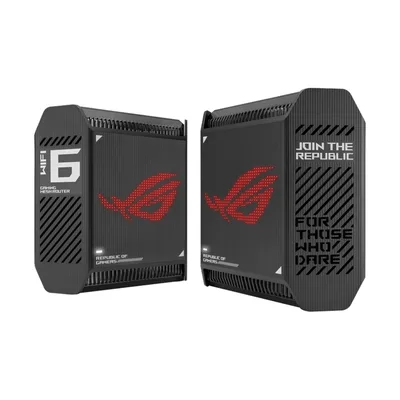
- Wi-Fi
- Wi-Fi 6 · AX10000
- Bands
- 2.4 / 5 / 5 GHz
- Fastest port
- 2.5 Gbps
- Coverage
- 5,800 sq ft
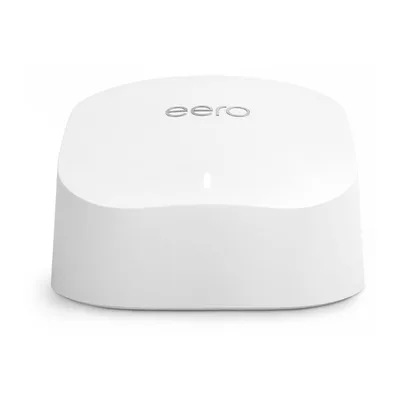
- Wi-Fi
- Wi-Fi 6 · AX1800
- Bands
- 2.4 / 5 GHz
- Fastest port
- 1 Gbps
- Coverage
- 1,500 sq ft
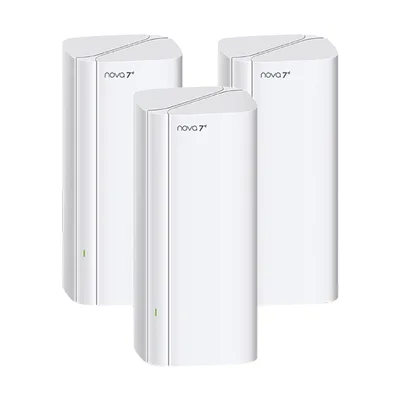
- Wi-Fi
- Wi-Fi 7 · BE3600
- Bands
- 2.4 / 5 GHz
- Fastest port
- 1 Gbps
- Coverage
- 2,300 sq ft
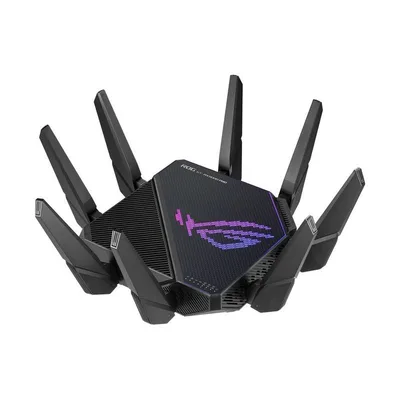
- Wi-Fi
- Wi-Fi 6 · AX11000
- Bands
- 2.4 / 5 / 5 GHz
- Fastest port
- 10 Gbps
- Coverage
- —
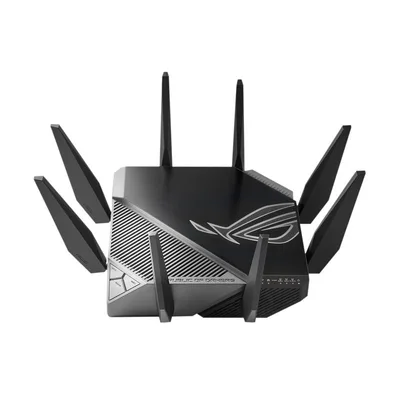
- Wi-Fi
- Wi-Fi 6E · AXE11000
- Bands
- 2.4 / 5 / 6 GHz
- Fastest port
- 2.5 Gbps
- Coverage
- —
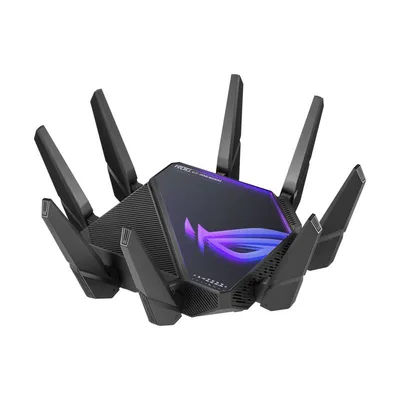
- Wi-Fi
- Wi-Fi 6E · AXE16000
- Bands
- 2.4 / 5-1 / 5-2 / 6 GHz
- Fastest port
- 10 Gbps
- Coverage
- —
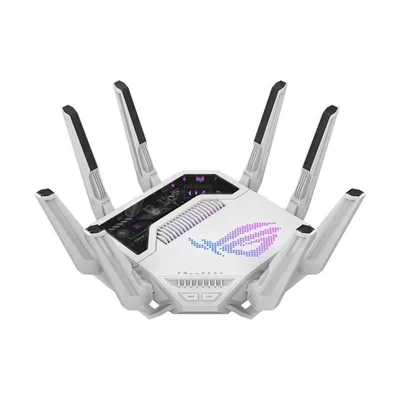
- Wi-Fi
- Wi-Fi 7 · BE19000
- Bands
- 2.4 / 5 / 6 GHz
- Fastest port
- 10 Gbps
- Coverage
- 3,500 sq ft
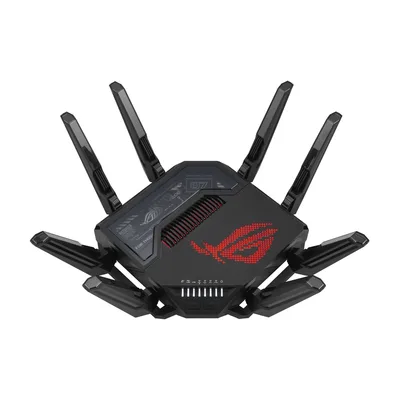
- Wi-Fi
- Wi-Fi 7 · BE30000
- Bands
- 2.4 / 5 / 6 / 6 GHz
- Fastest port
- 10 Gbps
- Coverage
- —
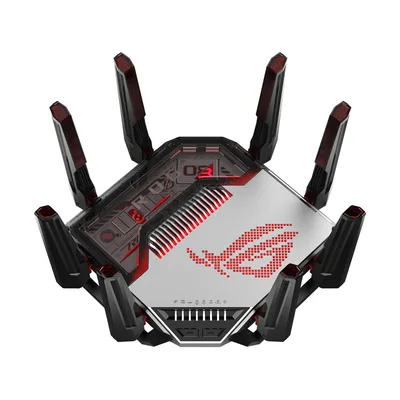
- Wi-Fi
- Wi-Fi 8 · BN30000
- Bands
- 2.4 / 5 / 6 / 6 GHz
- Fastest port
- 10 Gbps
- Coverage
- —
- Wi-Fi
- Wi-Fi 7 · BE18000
- Bands
- 2.4 / 5 / 6 GHz
- Fastest port
- 2.5 Gbps
- Coverage
- 3,300 sq ft
- Wi-Fi
- Wi-Fi 6 · AX1500
- Bands
- 2.4 / 5 GHz
- Fastest port
- 1 Gbps
- Coverage
- —
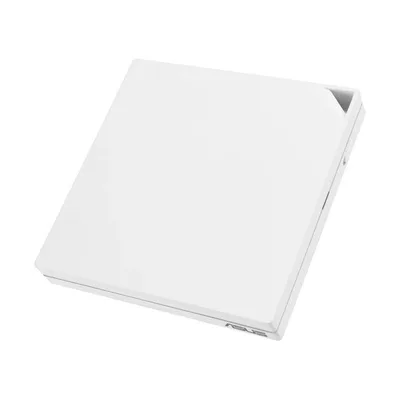
- Wi-Fi
- Wi-Fi 6 · AX3000
- Bands
- 2.4 / 5 GHz
- Fastest port
- 1 Gbps
- Coverage
- —
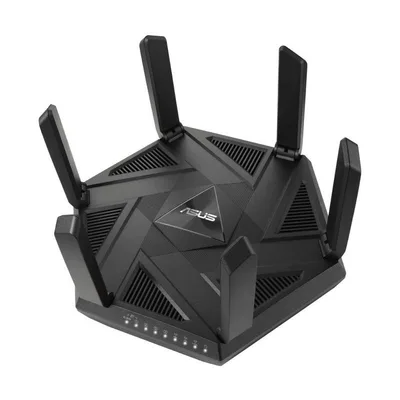
- Wi-Fi
- Wi-Fi 6E · AXE7800
- Bands
- 2.4 / 5 / 6 GHz
- Fastest port
- 2.5 Gbps
- Coverage
- 5,700 sq ft
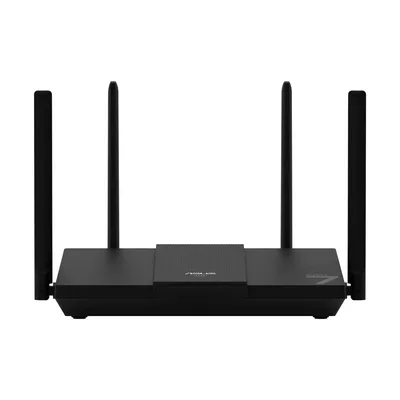
- Wi-Fi
- Wi-Fi 7 · BE3600
- Bands
- 2.4 / 5 GHz
- Fastest port
- 2.5 Gbps
- Coverage
- 2,000 sq ft
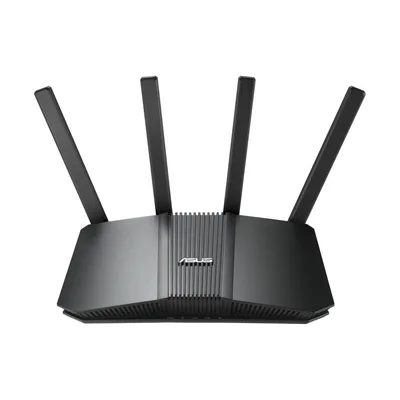
- Wi-Fi
- Wi-Fi 7 · BE3600
- Bands
- 2.4 / 5 GHz
- Fastest port
- 2.5 Gbps
- Coverage
- 2,000 sq ft
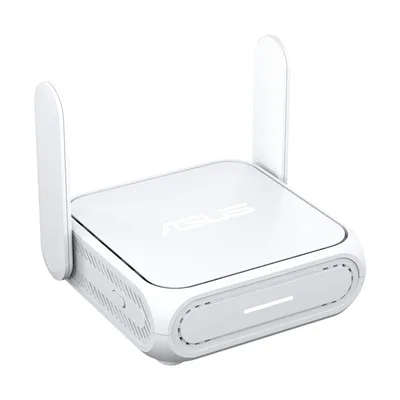
- Wi-Fi
- Wi-Fi 7 · BE3600
- Bands
- 2.4 / 5 GHz
- Fastest port
- 2.5 Gbps
- Coverage
- 1,800 sq ft
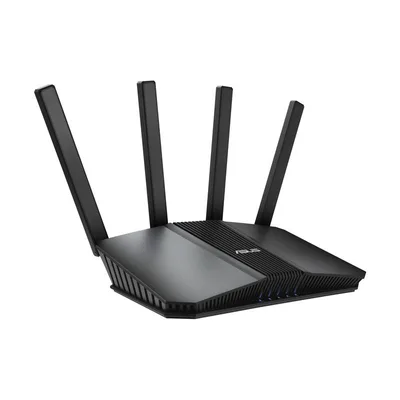
- Wi-Fi
- Wi-Fi 7 · BE3600
- Bands
- 2.4 / 5 GHz
- Fastest port
- 2.5 Gbps
- Coverage
- 2,000 sq ft
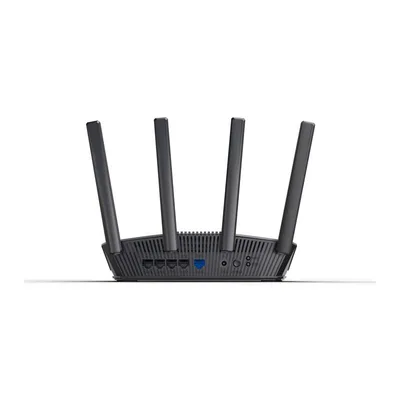
- Wi-Fi
- Wi-Fi 7 · BE5000
- Bands
- 2.4 / 5 GHz
- Fastest port
- 2.5 Gbps
- Coverage
- 2,300 sq ft
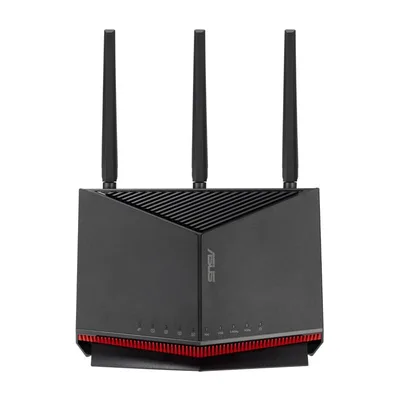
- Wi-Fi
- Wi-Fi 7 · BE6800
- Bands
- 2.4 / 5 GHz
- Fastest port
- 10 Gbps
- Coverage
- 2,750 sq ft
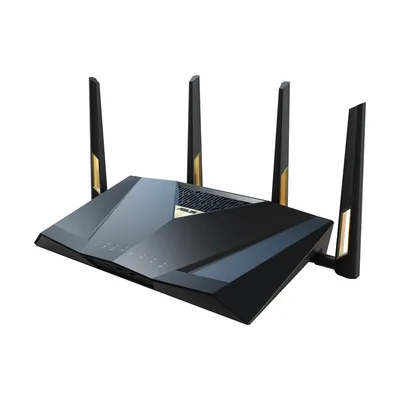
- Wi-Fi
- Wi-Fi 7 · BE7200
- Bands
- 2.4 / 5 GHz
- Fastest port
- 10 Gbps
- Coverage
- 3,000 sq ft
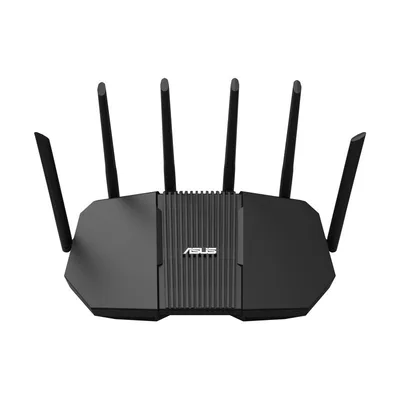
- Wi-Fi
- Wi-Fi 7 · BE9400
- Bands
- 2.4 / 5 / 6 GHz
- Fastest port
- 2.5 Gbps
- Coverage
- 2,500 sq ft
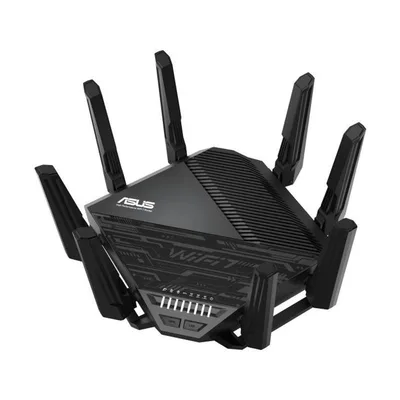
- Wi-Fi
- Wi-Fi 7 · BE19000
- Bands
- 2.4 / 5 / 6 GHz
- Fastest port
- 10 Gbps
- Coverage
- —
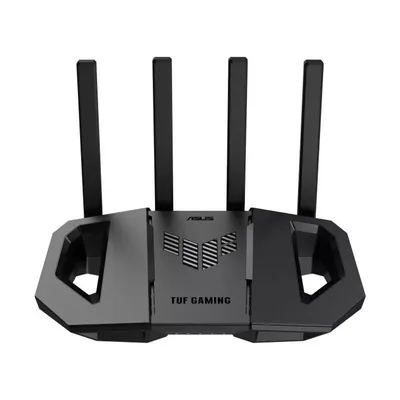
- Wi-Fi
- Wi-Fi 7 · BE3600
- Bands
- 2.4 / 5 GHz
- Fastest port
- 2.5 Gbps
- Coverage
- —
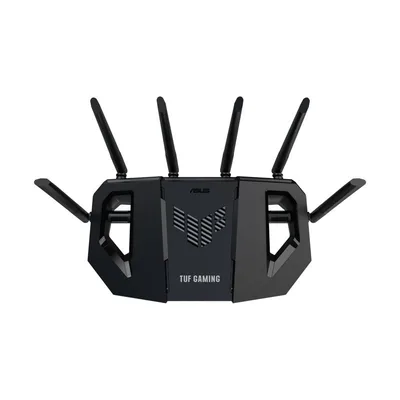
- Wi-Fi
- Wi-Fi 7 · BE6500
- Bands
- 2.4 / 5 GHz
- Fastest port
- 2.5 Gbps
- Coverage
- —
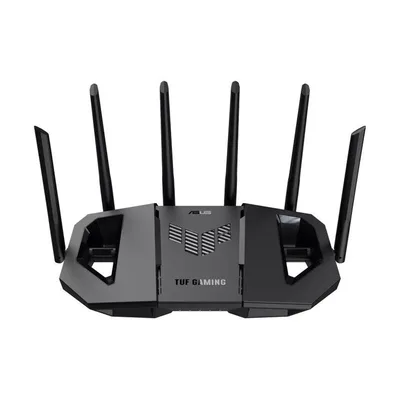
- Wi-Fi
- Wi-Fi 7 · BE9400
- Bands
- 2.4 / 5 / 6 GHz
- Fastest port
- 2.5 Gbps
- Coverage
- —
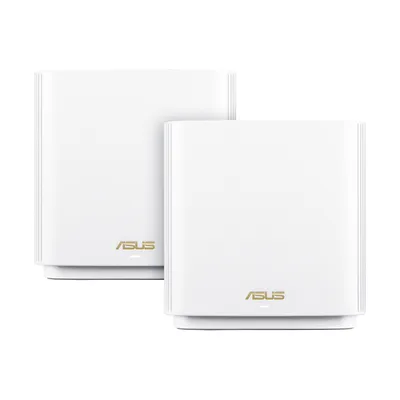
- Wi-Fi
- Wi-Fi 6 · AX6600
- Bands
- 2.4 / 5 / 5 GHz
- Fastest port
- 2.5 Gbps
- Coverage
- 2,750 sq ft
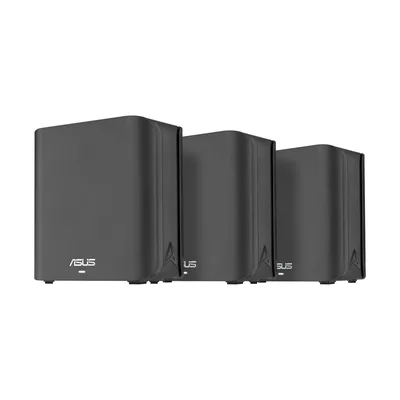
- Wi-Fi
- Wi-Fi 7 · BE3600
- Bands
- 2.4 / 5 GHz
- Fastest port
- 2.5 Gbps
- Coverage
- 2,450 sq ft
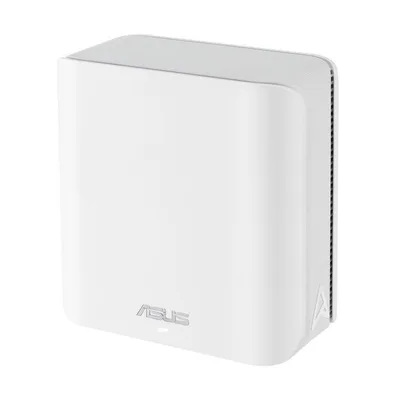
- Wi-Fi
- Wi-Fi 7 · BE5000
- Bands
- 2.4 / 5 GHz
- Fastest port
- 2.5 Gbps
- Coverage
- 2,500 sq ft
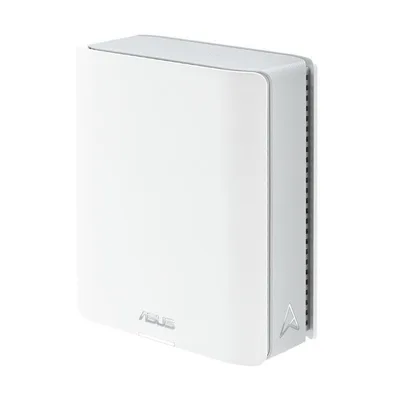
- Wi-Fi
- Wi-Fi 7 · BE9400
- Bands
- 2.4 / 5 / 6 GHz
- Fastest port
- 2.5 Gbps
- Coverage
- 3,000 sq ft
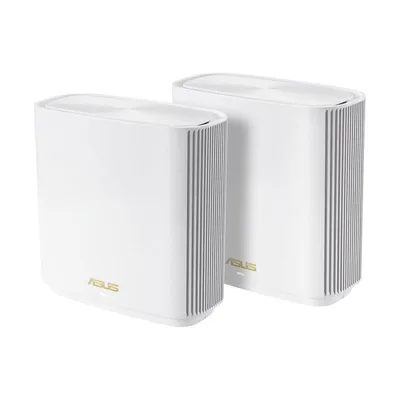
- Wi-Fi
- Wi-Fi 6E · AXE6600
- Bands
- 2.4 / 5 / 6 GHz
- Fastest port
- 2.5 Gbps
- Coverage
- 2,750 sq ft
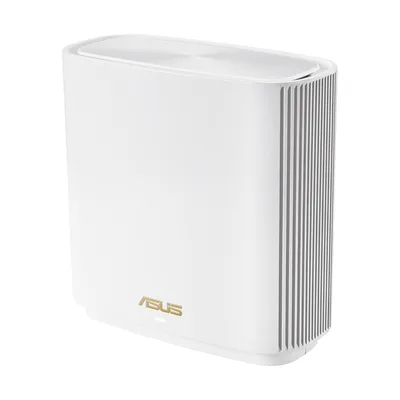
- Wi-Fi
- Wi-Fi 6E · AXE7800
- Bands
- 2.4 / 5 / 6 GHz
- Fastest port
- 2.5 Gbps
- Coverage
- 2,850 sq ft
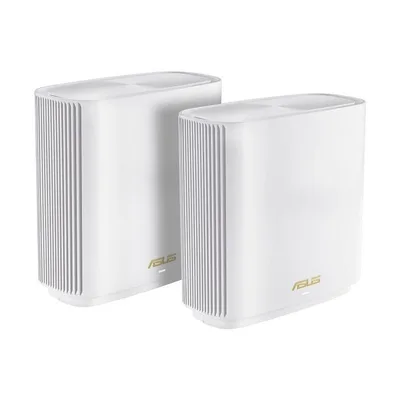
- Wi-Fi
- Wi-Fi 6 · AX7800
- Bands
- 2.4 / 5-1 / 5-2 GHz
- Fastest port
- 2.5 Gbps
- Coverage
- 2,850 sq ft
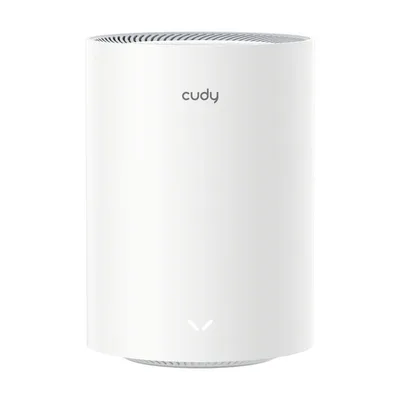
- Wi-Fi
- Wi-Fi 7 · BE3600
- Bands
- 2.4 / 5 GHz
- Fastest port
- 1 Gbps
- Coverage
- —
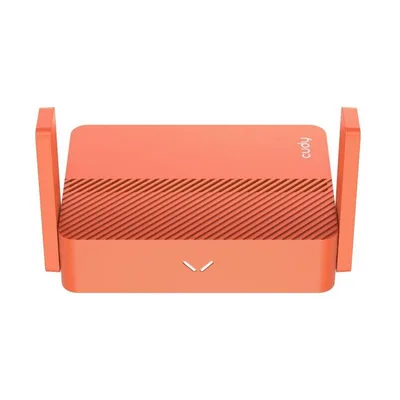
- Wi-Fi
- Wi-Fi 5 · AC1200
- Bands
- 2.4 / 5 GHz
- Fastest port
- 100 Mbps
- Coverage
- —
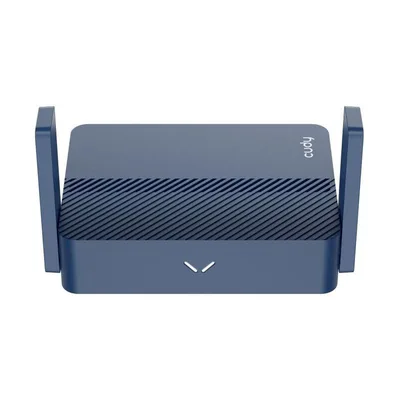
- Wi-Fi
- Wi-Fi 6 · AX3000
- Bands
- 2.4 / 5 GHz
- Fastest port
- 2.5 Gbps
- Coverage
- —
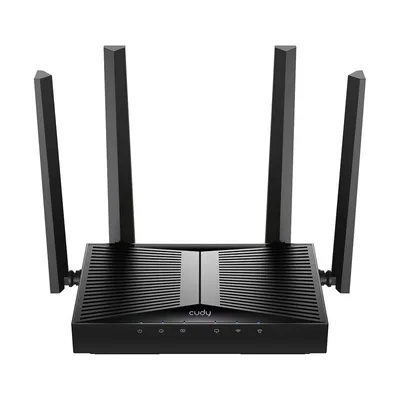
- Wi-Fi
- Wi-Fi 7 · BE3600
- Bands
- 2.4 / 5 GHz
- Fastest port
- 1 Gbps
- Coverage
- 1,400 sq ft
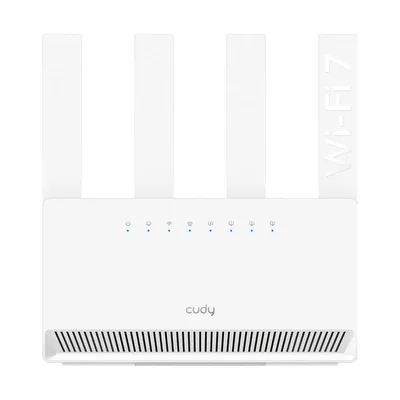
- Wi-Fi
- Wi-Fi 7 · BE3600
- Bands
- 2.4 / 5 GHz
- Fastest port
- 1 Gbps
- Coverage
- 1,400 sq ft
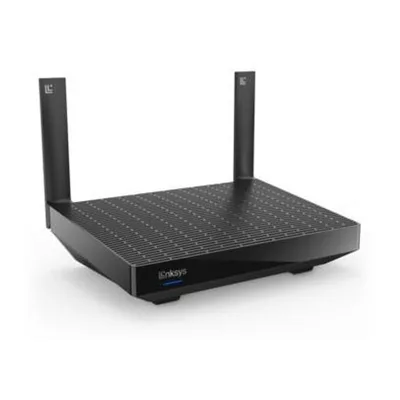
- Wi-Fi
- Wi-Fi 6 · AX5400
- Bands
- 2.4 / 5 GHz
- Fastest port
- 1 Gbps
- Coverage
- 2,700 sq ft
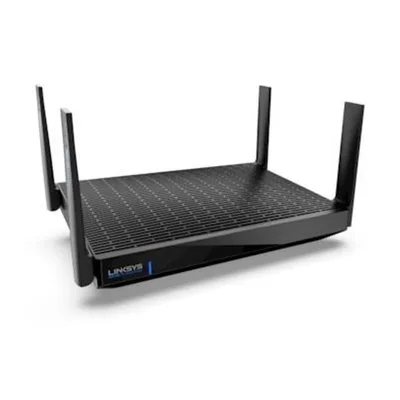
- Wi-Fi
- Wi-Fi 6E · AXE6600
- Bands
- 2.4 / 5 / 6 GHz
- Fastest port
- 5 Gbps
- Coverage
- 2,700 sq ft
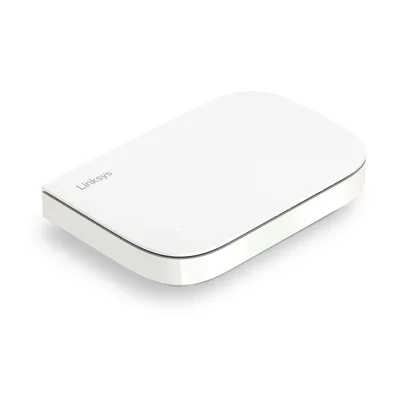
- Wi-Fi
- Wi-Fi 6 · AX3000
- Bands
- 2.4 / 5 GHz
- Fastest port
- 2.5 Gbps
- Coverage
- 2,000 sq ft
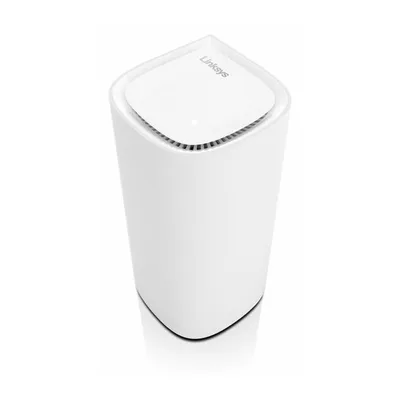
- Wi-Fi
- Wi-Fi 6E · AXE5400
- Bands
- 2.4 / 5 / 6 GHz
- Fastest port
- 1 Gbps
- Coverage
- 3,000 sq ft
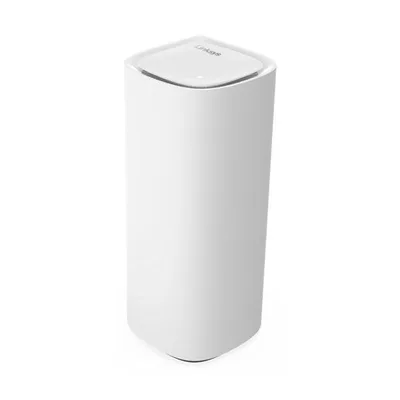
- Wi-Fi
- Wi-Fi 7 · BE11000
- Bands
- 2.4 / 5 / 6 GHz
- Fastest port
- 2.5 Gbps
- Coverage
- 3,000 sq ft
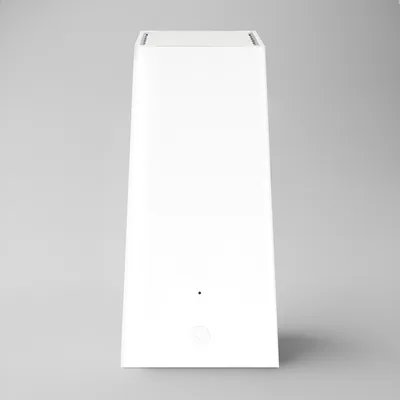
- Wi-Fi
- Wi-Fi 6E
- Bands
- 2.4 / 5 / 6 GHz
- Fastest port
- 2.5 Gbps
- Coverage
- 3,000 sq ft
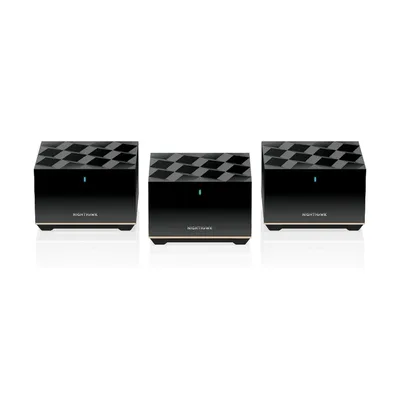
- Wi-Fi
- Wi-Fi 6E · AXE5700
- Bands
- 2.4 / 5 / 6 GHz
- Fastest port
- 2.5 Gbps
- Coverage
- 2,500 sq ft
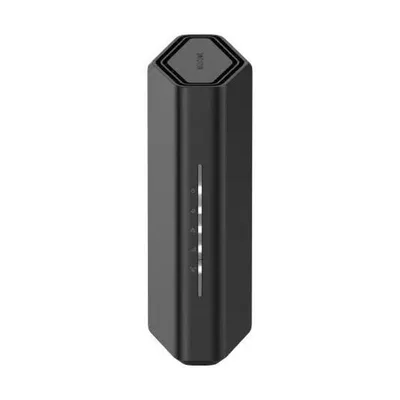
- Wi-Fi
- Wi-Fi 7 · BE3600
- Bands
- 2.4 / 5 GHz
- Fastest port
- 2.5 Gbps
- Coverage
- 2,000 sq ft
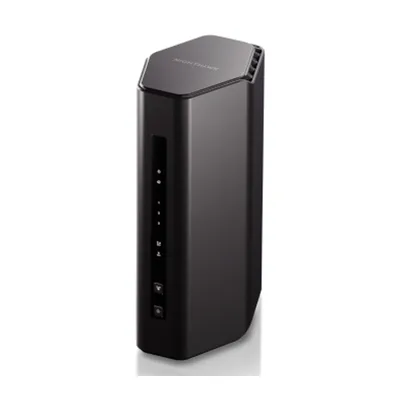
- Wi-Fi
- Wi-Fi 7 · BE5000
- Bands
- 2.4 / 5 GHz
- Fastest port
- 2.5 Gbps
- Coverage
- 2,250 sq ft
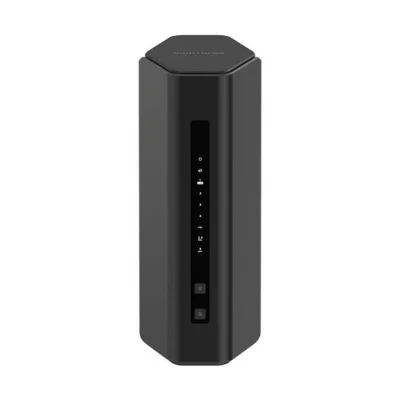
- Wi-Fi
- Wi-Fi 7 · BE5000
- Bands
- 2.4 / 5 GHz
- Fastest port
- 2.5 Gbps
- Coverage
- 2,250 sq ft
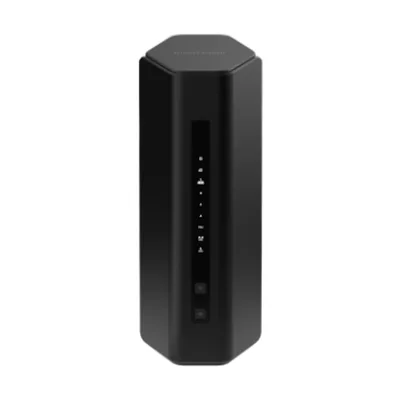
- Wi-Fi
- Wi-Fi 7 · BE5500
- Bands
- 2.4 / 5 GHz
- Fastest port
- 2.5 Gbps
- Coverage
- 2,500 sq ft
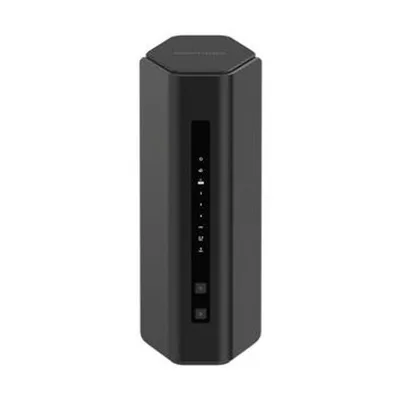
- Wi-Fi
- Wi-Fi 7 · BE6500
- Bands
- 2.4 / 5 GHz
- Fastest port
- 2.5 Gbps
- Coverage
- 2,500 sq ft
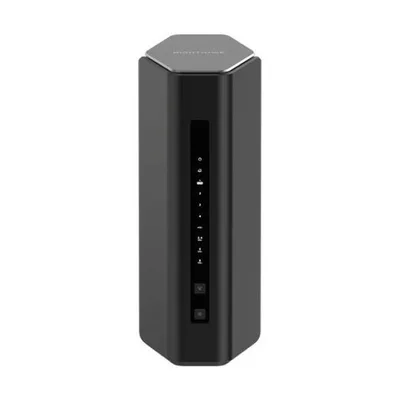
- Wi-Fi
- Wi-Fi 7 · BE12000
- Bands
- 2.4 / 5 / 6 GHz
- Fastest port
- 2.5 Gbps
- Coverage
- 3,000 sq ft
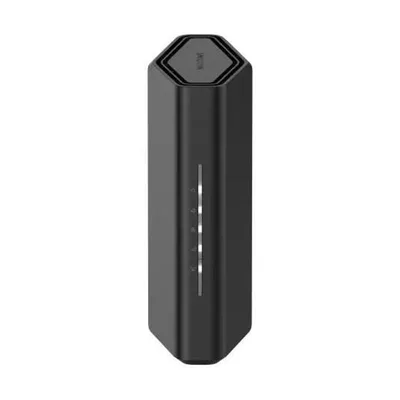
- Wi-Fi
- Wi-Fi 7 · BE18000
- Bands
- 2.4 / 5 / 6 GHz
- Fastest port
- 10 Gbps
- Coverage
- 3,300 sq ft
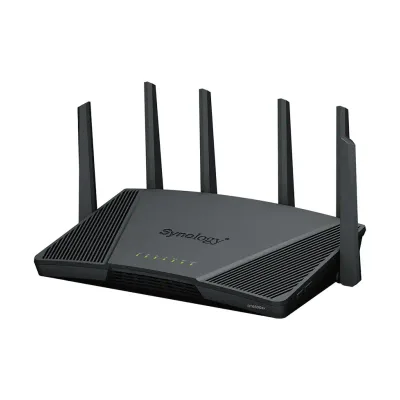
- Wi-Fi
- Wi-Fi 6 · AX6600
- Bands
- 2.4 / 5 / 5 GHz
- Fastest port
- 2.5 Gbps
- Coverage
- —
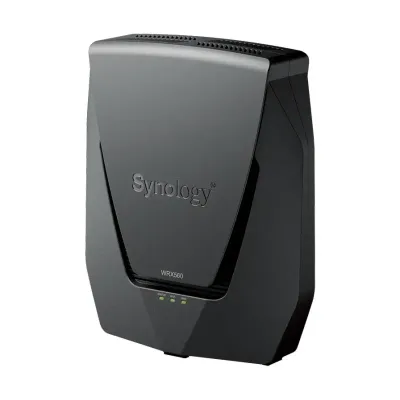
- Wi-Fi
- Wi-Fi 6
- Bands
- 2.4 / 5 GHz
- Fastest port
- 2.5 Gbps
- Coverage
- —
- Wi-Fi
- Wi-Fi 6 · AX3000
- Bands
- 2.4 / 5 GHz
- Fastest port
- 1 Gbps
- Coverage
- —
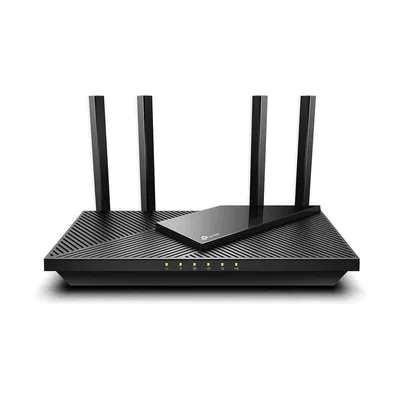
- Wi-Fi
- Wi-Fi 6 · AX3000
- Bands
- 2.4 / 5 GHz
- Fastest port
- 1 Gbps
- Coverage
- —
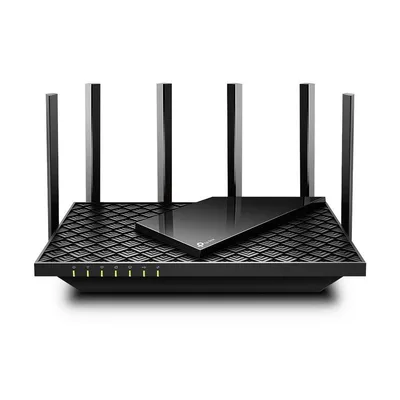
- Wi-Fi
- Wi-Fi 6 · AX5400
- Bands
- 2.4 / 5 GHz
- Fastest port
- 1 Gbps
- Coverage
- 2,000 sq ft
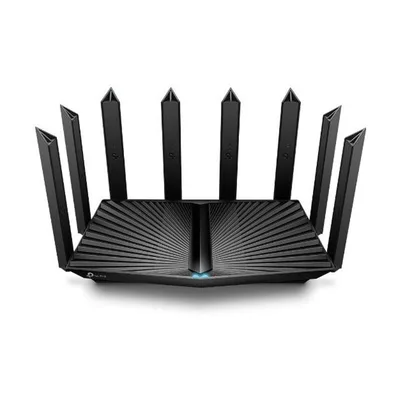
- Wi-Fi
- Wi-Fi 6 · AX6000
- Bands
- 2.4 / 5 GHz
- Fastest port
- 2.5 Gbps
- Coverage
- —
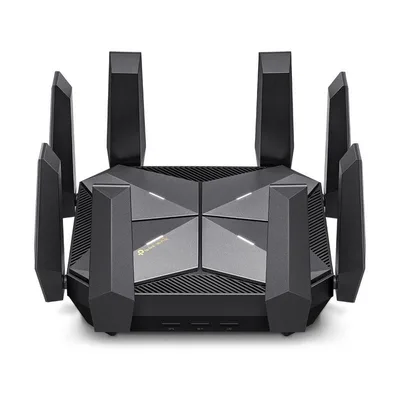
- Wi-Fi
- Wi-Fi 6E · AXE16000
- Bands
- 2.4 / 5-1 / 5-2 / 6 GHz
- Fastest port
- 10 Gbps
- Coverage
- —
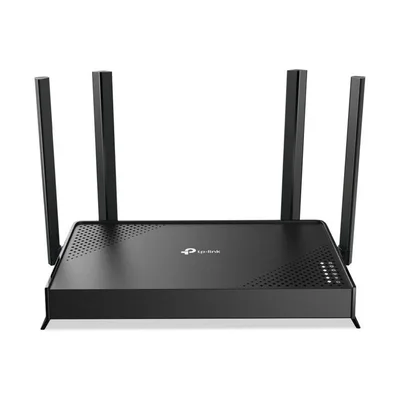
- Wi-Fi
- Wi-Fi 7 · BE3600
- Bands
- 2.4 / 5 GHz
- Fastest port
- 1 Gbps
- Coverage
- —
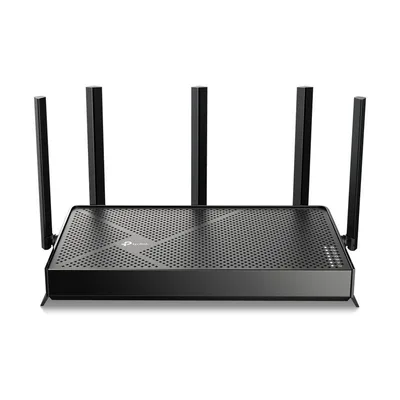
- Wi-Fi
- Wi-Fi 7 · BE5000
- Bands
- 2.4 / 5 GHz
- Fastest port
- 2.5 Gbps
- Coverage
- 2,400 sq ft
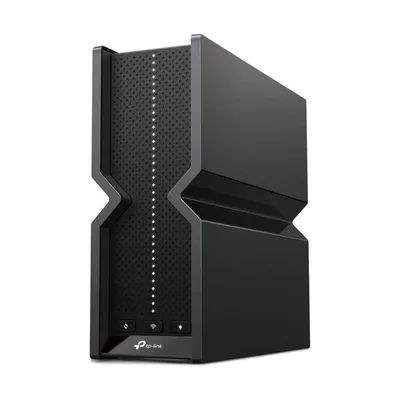
- Wi-Fi
- Wi-Fi 7 · BE9700
- Bands
- 2.4 / 5 / 6 GHz
- Fastest port
- 10 Gbps
- Coverage
- 2,000 sq ft
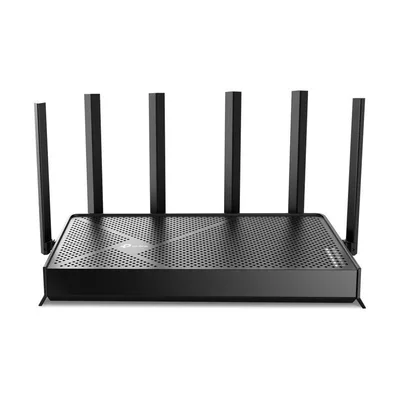
- Wi-Fi
- Wi-Fi 7 · BE9700
- Bands
- 2.4 / 5 / 6 GHz
- Fastest port
- 10 Gbps
- Coverage
- 2,600 sq ft
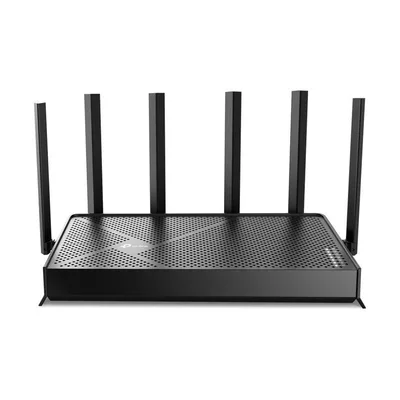
- Wi-Fi
- Wi-Fi 7 · BE12000
- Bands
- 2.4 / 5 / 6 GHz
- Fastest port
- 10 Gbps
- Coverage
- 3,000 sq ft
- Wi-Fi
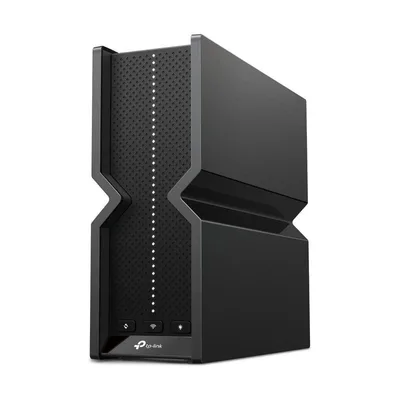
- Wi-Fi 7 · BE15000
- Bands
- 2.4 / 5 / 6 GHz
- Fastest port
- 10 Gbps
- Coverage
- 2,200 sq ft
- Wi-Fi
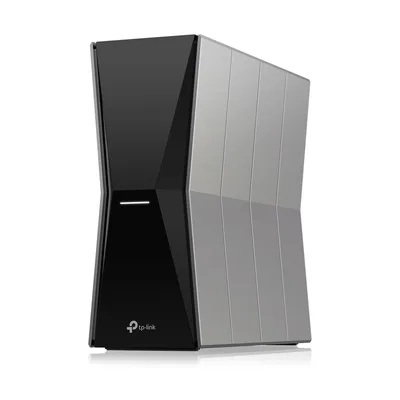
- Wi-Fi 7 · BE18000
- Bands
- 2.4 / 5 / 6 GHz
- Fastest port
- 10 Gbps
- Coverage
- 3,600 sq ft
- Wi-Fi
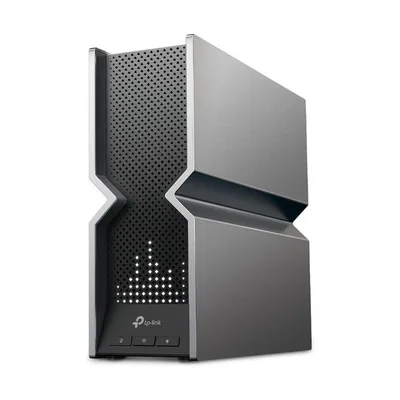
- Wi-Fi 7 · BE19000
- Bands
- 2.4 / 5 / 6 GHz
- Fastest port
- 10 Gbps
- Coverage
- —
- Wi-Fi
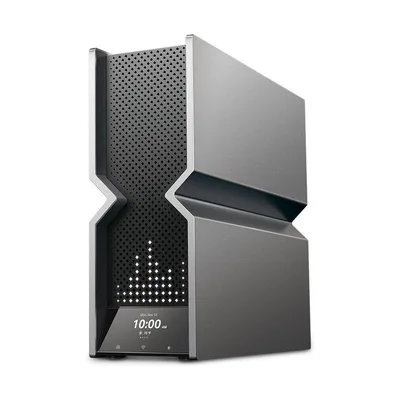
- Wi-Fi 7 · BE24000
- Bands
- 2.4 / 5-1 / 5-2 / 6 GHz
- Fastest port
- 10 Gbps
- Coverage
- —
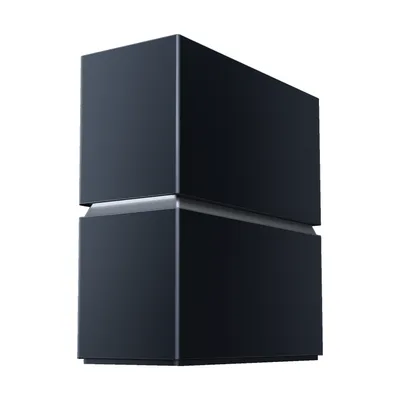
- Wi-Fi
- Wi-Fi 8 · BN19000
- Bands
- 2.4 / 5 / 6 GHz
- Fastest port
- 10 Gbps
- Coverage
- 3,600 sq ft
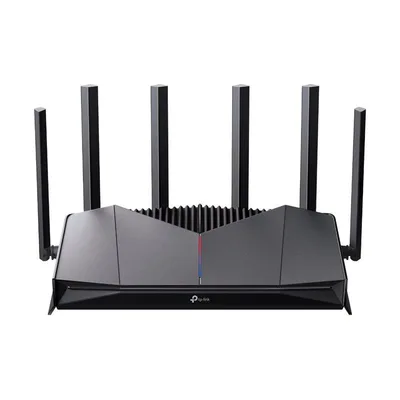
- Wi-Fi
- Wi-Fi 7 · BE6500
- Bands
- 2.4 / 5 GHz
- Fastest port
- 2.5 Gbps
- Coverage
- 2,600 sq ft
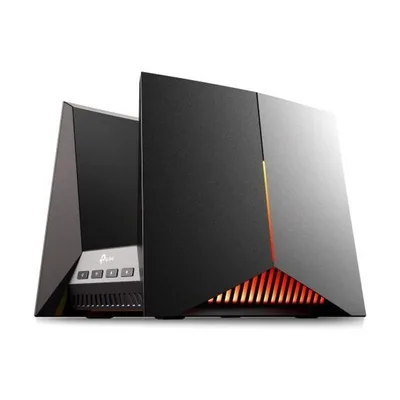
- Wi-Fi
- Wi-Fi 7 · BE19000
- Bands
- 2.4 / 5 / 6 GHz
- Fastest port
- 10 Gbps
- Coverage
- —
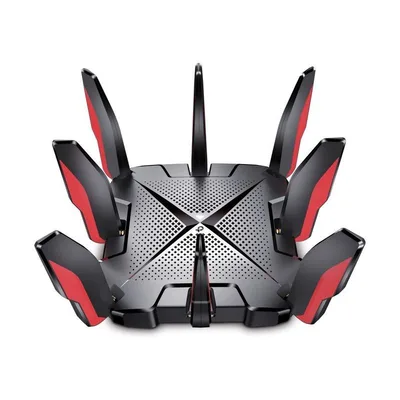
- Wi-Fi
- Wi-Fi 6 · AX6600
- Bands
- 2.4 / 5 / 5 GHz
- Fastest port
- 2.5 Gbps
- Coverage
- 2,000 sq ft
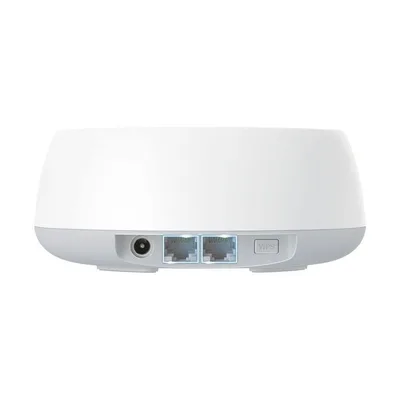
- Wi-Fi
- Wi-Fi 7 · BE5000
- Bands
- 2.4 / 5 GHz
- Fastest port
- 2.5 Gbps
- Coverage
- 2,600 sq ft
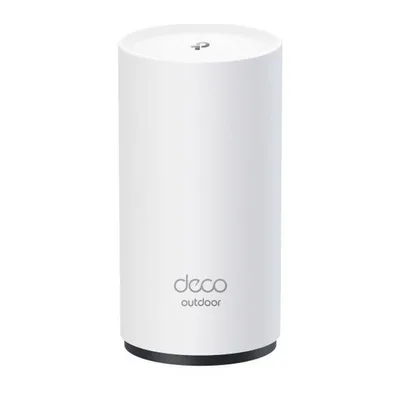
- Wi-Fi
- Wi-Fi 7 · BE5000
- Bands
- 2.4 / 5 GHz
- Fastest port
- 2.5 Gbps
- Coverage
- 2,800 sq ft
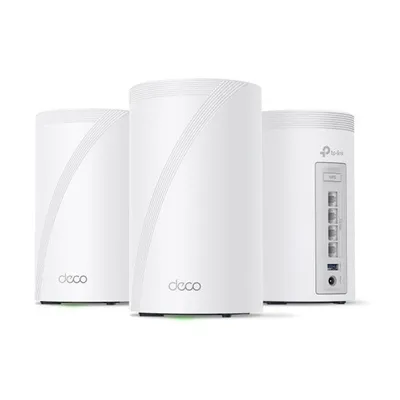
- Wi-Fi
- Wi-Fi 7 · BE11000
- Bands
- 2.4 / 5 / 6 GHz
- Fastest port
- 2.5 Gbps
- Coverage
- 2,533 sq ft
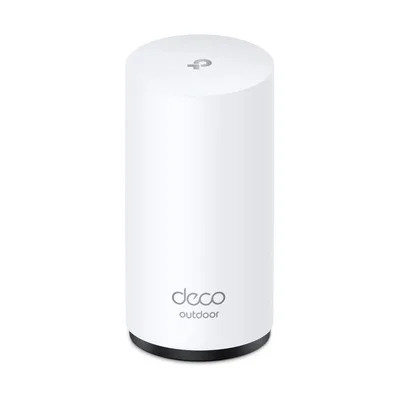
- Wi-Fi
- Wi-Fi 7 · BE11000
- Bands
- 2.4 / 5 / 6 GHz
- Fastest port
- 2.5 Gbps
- Coverage
- 3,000 sq ft
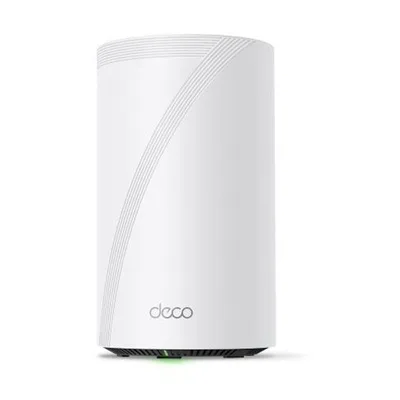
- Wi-Fi
- Wi-Fi 7 · BE17000
- Bands
- 2.4 / 5 / 6 GHz
- Fastest port
- 10 Gbps
- Coverage
- 3,300 sq ft
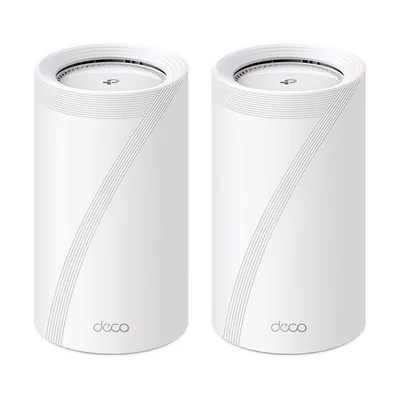
- Wi-Fi
- Wi-Fi 7 · BE22000
- Bands
- 2.4 / 5 / 6 GHz
- Fastest port
- 10 Gbps
- Coverage
- —
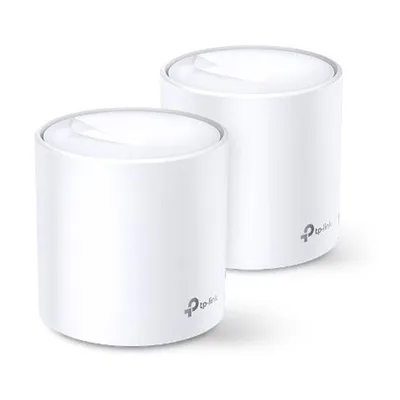
- Wi-Fi
- Wi-Fi 6 · AX1800
- Bands
- 2.4 / 5 GHz
- Fastest port
- 1 Gbps
- Coverage
- —
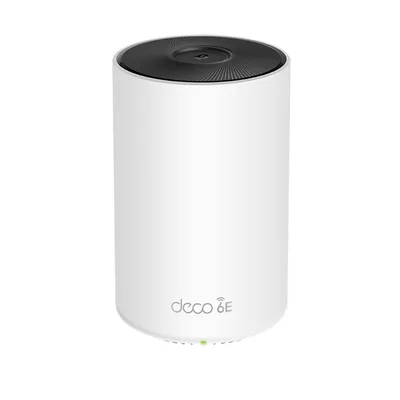
- Wi-Fi
- Wi-Fi 6E · AXE5300
- Bands
- 2.4 / 5 / 6 GHz
- Fastest port
- 1 Gbps
- Coverage
- 2,400 sq ft
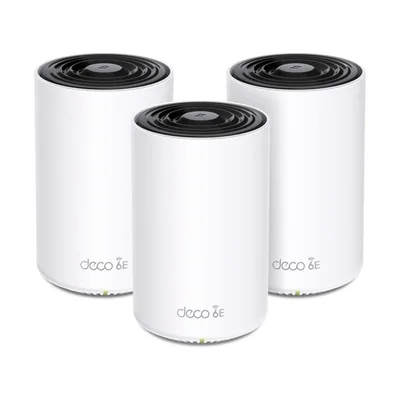
- Wi-Fi
- Wi-Fi 6E · AXE4900
- Bands
- 2.4 / 5 / 6 GHz
- Fastest port
- 2.5 Gbps
- Coverage
- 2,400 sq ft
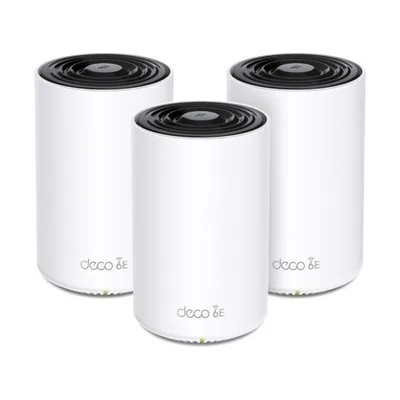
- Wi-Fi
- Wi-Fi 6E · AXE5400
- Bands
- 2.4 / 5 / 6 GHz
- Fastest port
- 1 Gbps
- Coverage
- 2,400 sq ft
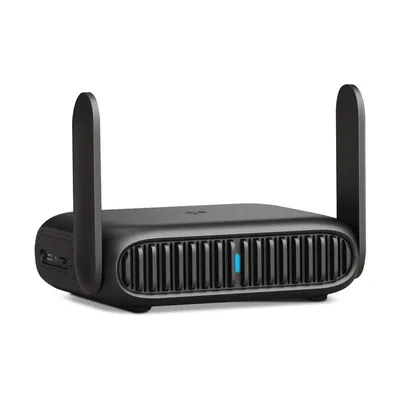
- Wi-Fi
- Wi-Fi 6 · AX3000
- Bands
- 2.4 / 5 GHz
- Fastest port
- 2.5 Gbps
- Coverage
- 1,500 sq ft
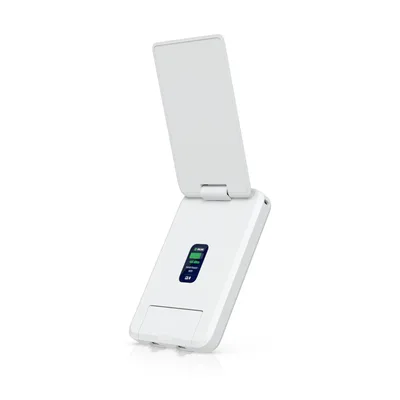
- Wi-Fi
- Wi-Fi 5 · AC1200
- Bands
- 2.4 / 5 GHz
- Fastest port
- 1 Gbps
- Coverage
- —
How to use the Router Finder
Every router, mesh system, gaming router and travel router we list sits here on the same spec sheet. That way a pocket travel router and a flagship mesh kit line up row by row.
The filters work together. Each one you add narrows the list, and the count next to each option shows how many routers are left. Your choices stay in the page address, so you can bookmark or share a filtered list.
Not sure where to start? Pick a category below, such as mesh Wi-Fi systems or routers for fiber internet.
Frequently asked questions
Where should I start filtering?
Start with type: a single router, a mesh system, a gaming router or a travel router. Then set the Wi-Fi standard and the fastest wired port your internet plan needs, and narrow by coverage last.
Which Wi-Fi standard should I pick?
Wi-Fi 6 covers most homes on plans under 1 Gbps. Wi-Fi 6E adds the 6 GHz band for newer phones and laptops. Wi-Fi 7 is worth it for multi-gig plans, lots of new devices, or a mesh system with a fast wireless link between units.
What does "fastest wired port" mean?
The speed of the quickest Ethernet port on the router. If your internet plan is faster than 1 Gbps, you need a 2.5 Gbps or faster port, or that port becomes the bottleneck.
Is the coverage figure reliable?
It is the maker's claim for one unit in open space. Walls, floors and neighbors' networks cut it down, so treat it as a way to compare models rather than a promise for your home.
How do I compare routers I found here?
Tick Compare on up to five routers, then open the comparison to see every spec in one table. You can also add routers by name with the comparison tool on the homepage.