







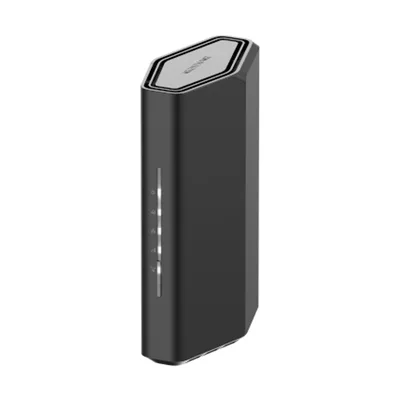
- Wi-Fi
- Wi-Fi 7 · BE3600
- Bands
- 2.4 / 5 GHz
- Fastest port
- 2.5 Gbps
- Coverage
- 2,000 sq ft
Compare NETGEAR Routers
Every NETGEAR router in our database, with the specs that matter lined up the same way. Tick Compare on two to five to see them side by side.
We earn a commission from qualifying Amazon purchases made through our links, at no extra cost to you. This never affects our specs. How we make money.
21 routers
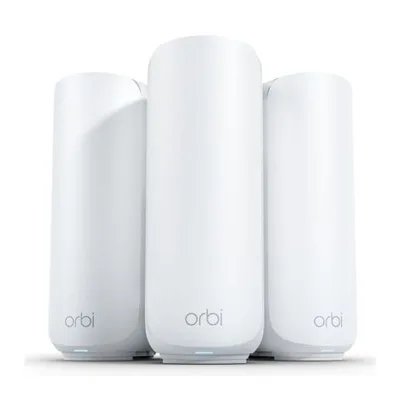
- Wi-Fi
- Wi-Fi 7 · BE5000
- Bands
- 2.4 / 5 GHz
- Fastest port
- 2.5 Gbps
- Coverage
- 2,000 sq ft
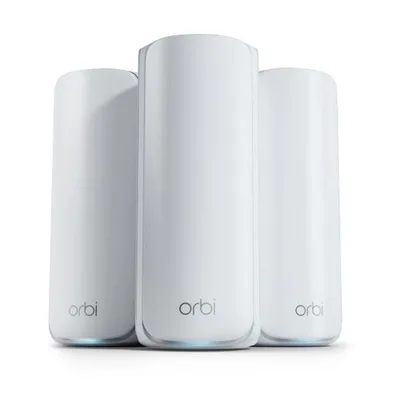
- Wi-Fi
- Wi-Fi 7 · BE11000
- Bands
- 2.4 / 5 / 6 GHz
- Fastest port
- 2.5 Gbps
- Coverage
- 2,750 sq ft
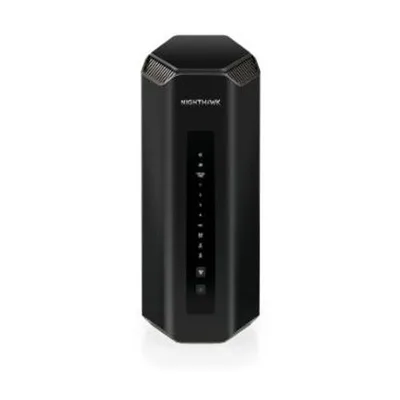
- Wi-Fi
- Wi-Fi 7 · BE19000
- Bands
- 2.4 / 5 / 6 GHz
- Fastest port
- 10 Gbps
- Coverage
- 3,500 sq ft
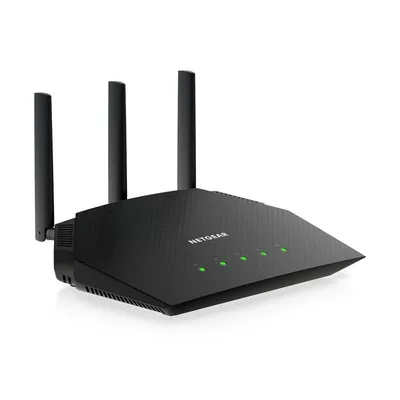
- Wi-Fi
- Wi-Fi 6 · AX1800
- Bands
- 2.4 / 5 GHz
- Fastest port
- 1 Gbps
- Coverage
- 1,500 sq ft
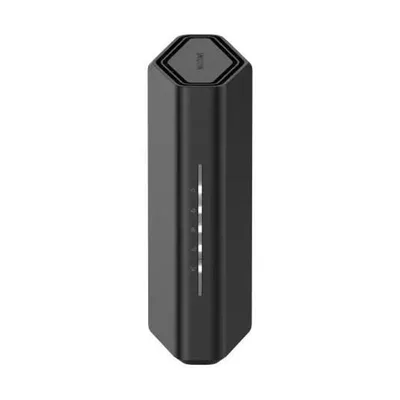
- Wi-Fi
- Wi-Fi 7 · BE9300
- Bands
- 2.4 / 5 / 6 GHz
- Fastest port
- 2.5 Gbps
- Coverage
- 2,500 sq ft
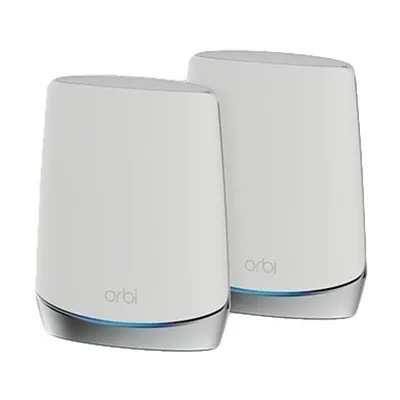
- Wi-Fi
- Wi-Fi 6 · AX5200
- Bands
- 2.4 / 5 / 5 (dedicated backhaul) GHz
- Fastest port
- 1 Gbps
- Coverage
- 2,500 sq ft
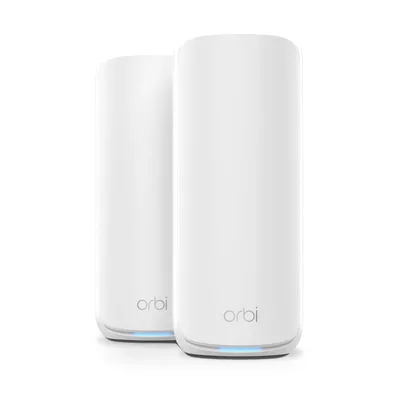
- Wi-Fi
- Wi-Fi 7 · BE21000
- Bands
- 2.4 / 5 / 6 GHz
- Fastest port
- 10 Gbps
- Coverage
- 3,000 sq ft
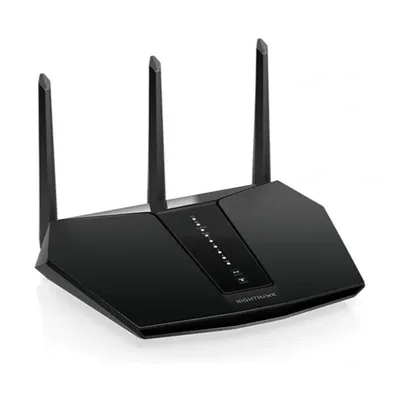
- Wi-Fi
- Wi-Fi 6 · AX3000
- Bands
- 2.4 / 5 GHz
- Fastest port
- 1 Gbps
- Coverage
- 2,000 sq ft
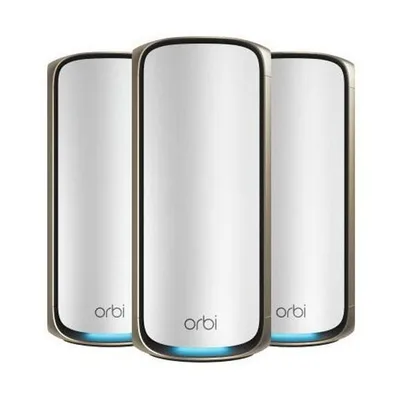
- Wi-Fi
- Wi-Fi 7 · BE27000
- Bands
- 2.4 / 5 / 5 / 6 GHz
- Fastest port
- 10 Gbps
- Coverage
- 3,300 sq ft
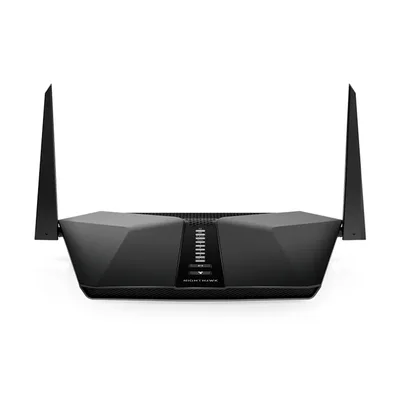
- Wi-Fi
- Wi-Fi 6 · AX4200
- Bands
- 2.4 / 5 GHz
- Fastest port
- 1 Gbps
- Coverage
- 2,000 sq ft
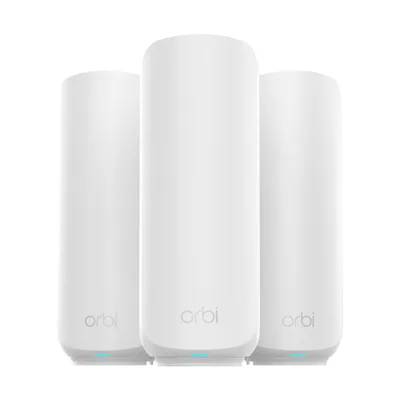
- Wi-Fi
- Wi-Fi 7 · BE5000
- Bands
- 2.4 / 5 GHz
- Fastest port
- 2.5 Gbps
- Coverage
- 2,000 sq ft
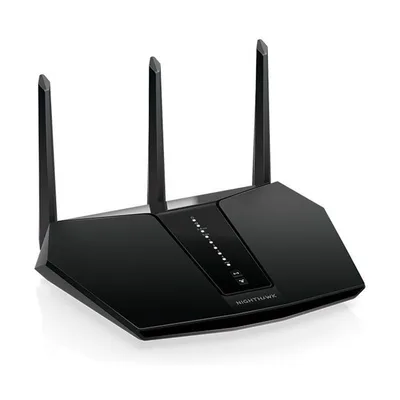
- Wi-Fi
- Wi-Fi 6 · AX2400
- Bands
- 2.4 / 5 GHz
- Fastest port
- 1 Gbps
- Coverage
- 2,000 sq ft
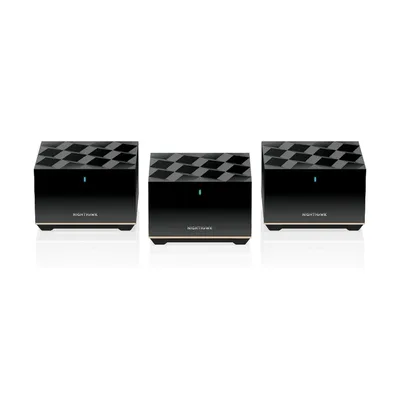
- Wi-Fi
- Wi-Fi 6E · AXE5700
- Bands
- 2.4 / 5 / 6 GHz
- Fastest port
- 2.5 Gbps
- Coverage
- 2,500 sq ft
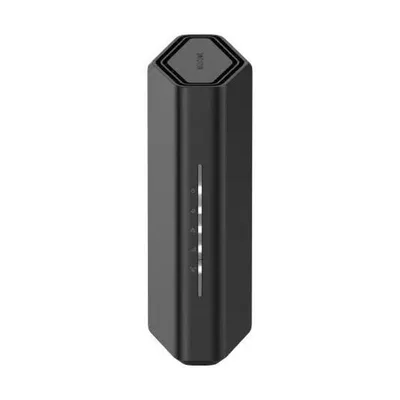
- Wi-Fi
- Wi-Fi 7 · BE3600
- Bands
- 2.4 / 5 GHz
- Fastest port
- 2.5 Gbps
- Coverage
- 2,000 sq ft
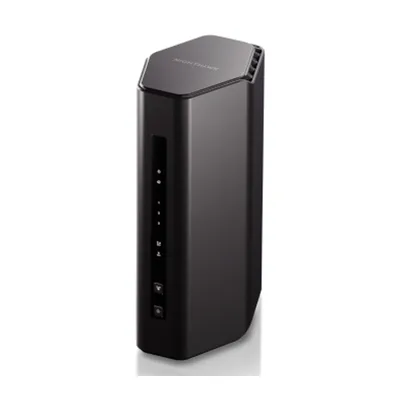
- Wi-Fi
- Wi-Fi 7 · BE5000
- Bands
- 2.4 / 5 GHz
- Fastest port
- 2.5 Gbps
- Coverage
- 2,250 sq ft
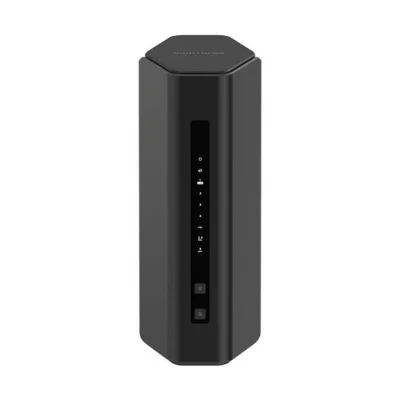
- Wi-Fi
- Wi-Fi 7 · BE5000
- Bands
- 2.4 / 5 GHz
- Fastest port
- 2.5 Gbps
- Coverage
- 2,250 sq ft
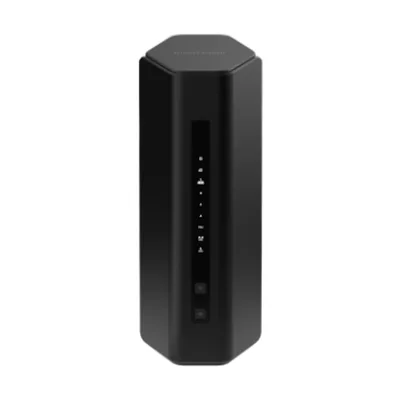
- Wi-Fi
- Wi-Fi 7 · BE5500
- Bands
- 2.4 / 5 GHz
- Fastest port
- 2.5 Gbps
- Coverage
- 2,500 sq ft
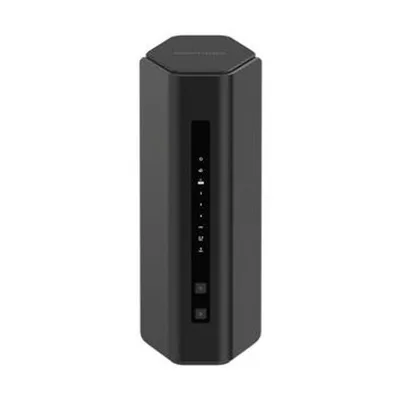
- Wi-Fi
- Wi-Fi 7 · BE6500
- Bands
- 2.4 / 5 GHz
- Fastest port
- 2.5 Gbps
- Coverage
- 2,500 sq ft
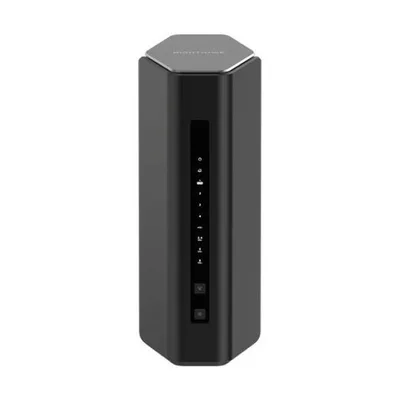
- Wi-Fi
- Wi-Fi 7 · BE12000
- Bands
- 2.4 / 5 / 6 GHz
- Fastest port
- 2.5 Gbps
- Coverage
- 3,000 sq ft
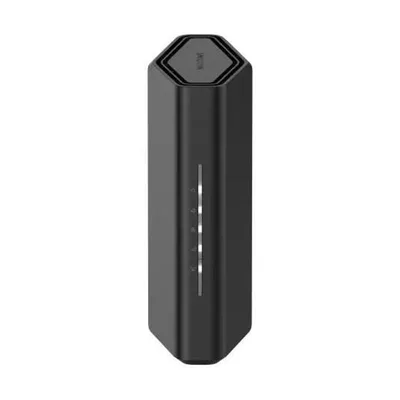
- Wi-Fi
- Wi-Fi 7 · BE18000
- Bands
- 2.4 / 5 / 6 GHz
- Fastest port
- 10 Gbps
- Coverage
- 3,300 sq ft
Choosing a NETGEAR router
NETGEAR’s range splits into Nighthawk routers and Orbi mesh systems, both now available with Wi-Fi 7.
Orbi’s tri-band and quad-band kits keep a band for the link between units, which is why they suit very large homes. Some advanced features, such as Armor security, need a paid subscription.
Frequently asked questions
Nighthawk or Orbi?
Nighthawk is NETGEAR's standalone router range; Orbi is its mesh range. Pick Orbi for larger homes and Nighthawk for one strong router.
Do NETGEAR routers need a subscription?
Basic routing and Wi-Fi don't. NETGEAR Armor security and the advanced Smart Parental Controls are paid subscriptions.
What do Orbi model numbers mean?
Higher numbers sit higher in the range: the Orbi 970 is the top Wi-Fi 7 system, the 870 and 770 step down, and the 370 and 360 are the entry kits.